
4. The Inventory Browser
Tools
The Tools tab in the Inventory Browser contains the complete library of cutting tools for milling and turning.
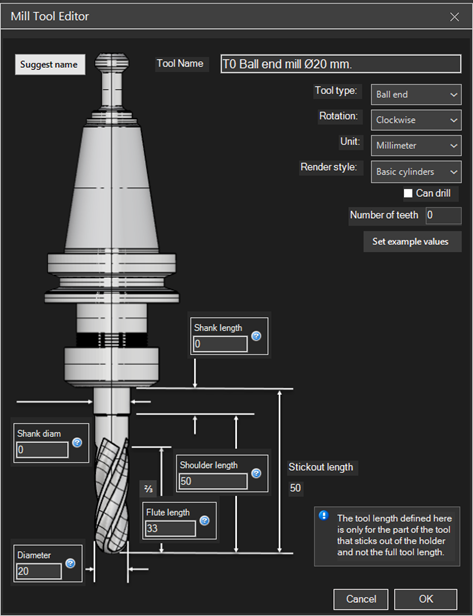
Tool Categories
Milling Tools
- End Mills - For contouring, facing, and grooving
- Ball Nose Mills - For 3D surfaces and fillets
- Flat End Mills - For pockets and flat surfaces
- Bull Nose Mills - For fillets and corner rounding
- Center Drills - For centering before drilling
- Twist Drills - For standard holes
- Taps - For internal threads
- Reamers - For precision holes
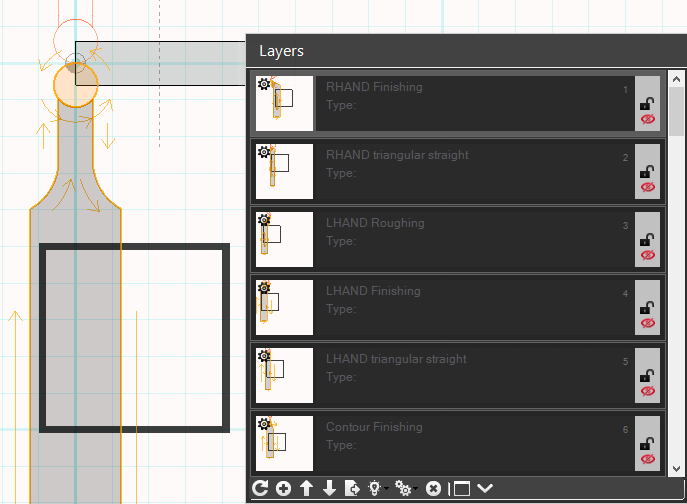
Turning Tools
- External Tools - For cylindrical turning and facing
- Boring Bars - For internal machining
- Grooving Tools - For grooves and parting
- Threading Tools - For external and internal threads
- Parting Tools - For cut-off operations
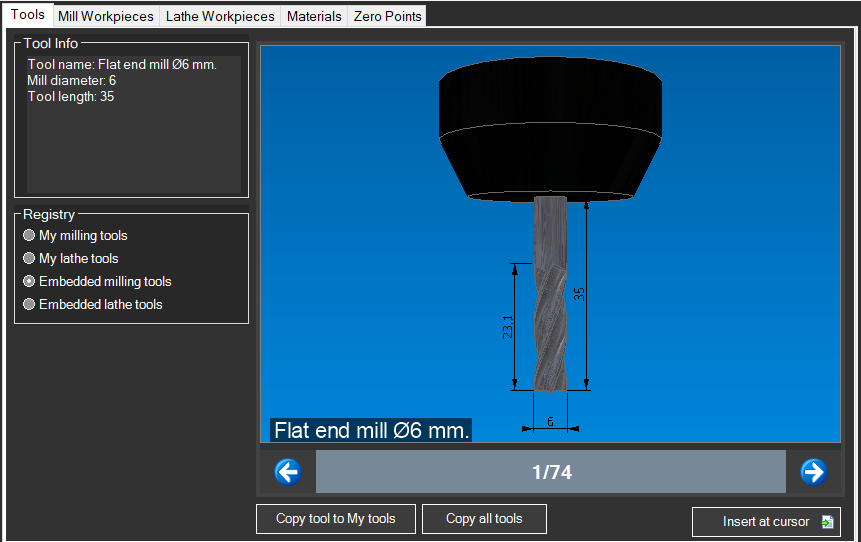
Adding a Tool
- Open the Inventory Browser (F4)
- Select the "Tools" tab
- Browse categories or use search
- Double-click a tool to add it to the turret
- Specify the slot number (T1, T2, etc.)
Tool Parameters
Each tool has configurable parameters:
- Diameter - Tool diameter
- Length - Total length or stick-out
- Corner Radius - For bull nose mills or inserts
- Number of Flutes - For feed rate calculations
- Point Angle - For drills and turning tools
Tip: You can create custom tools with specific dimensions and save them to your personal library for reuse in future projects.