Chapter 0
Introduction
Welcome to the CNC Simulator Pro User Guide, a comprehensive CNC simulator and CAD/CAM software suite.
What is CNC Simulator Pro?
CNC Simulator Pro was designed to provide the CNC community with a contemporary CNC simulator containing the most common CNC machine types as virtual machines. The goal is to allow operators and students to safely test code in a 3D simulation before running it on real machines.
Important Note: The simulator in its standard configuration is not machine or controller specific. Due to the variety of CNC controllers with different G-code dialects, it will not be 100% compatible with your machine. Users are responsible for verifying code before running it on real machines.
Beyond Simulation
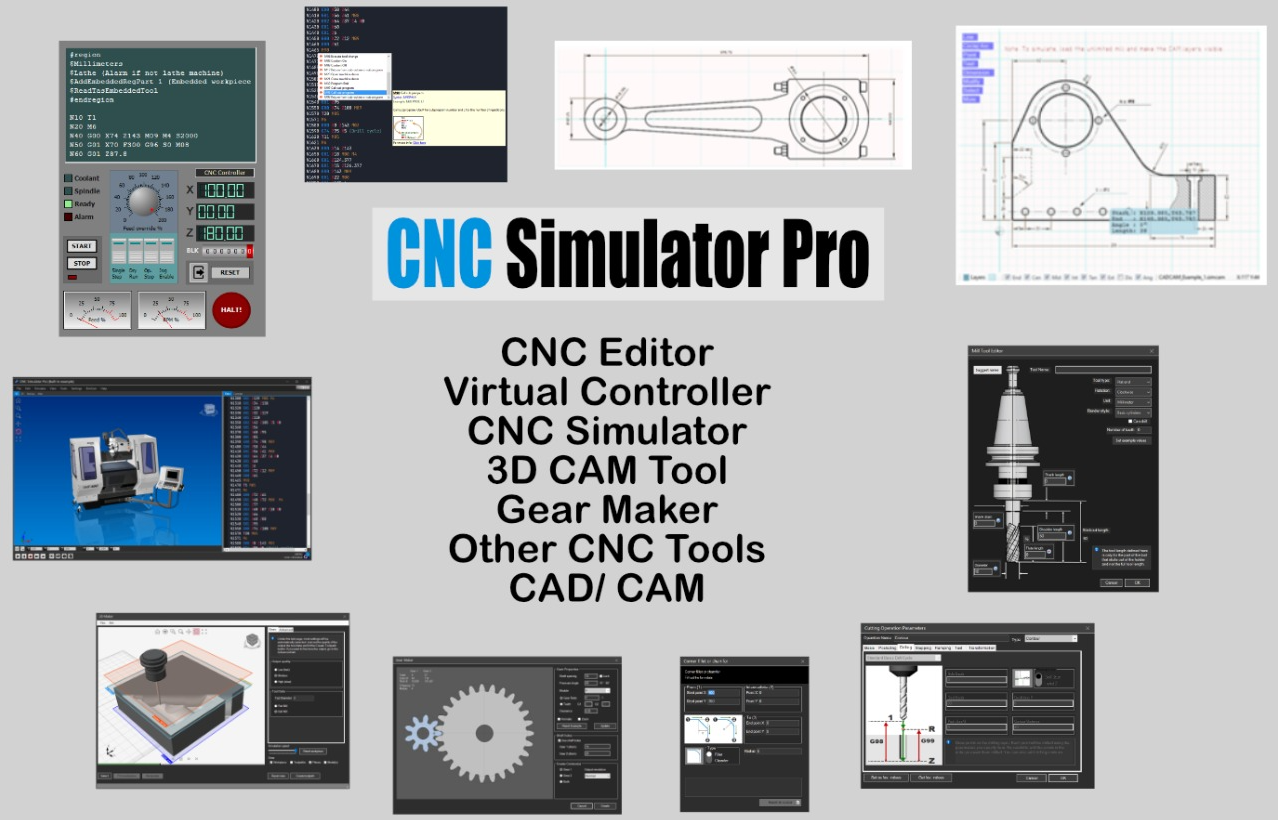
The software functions as much more than just a simulator - it includes:
- Contemporary CAD/CAM system (SimCam)
- Advanced CNC programming editor
- 3D model milling software (3D Maker)
- Gear creator (Gear Maker)
- Training tool
- And much more...
Sections in this Introduction
- About CNC Simulator Pro - Detailed software overview
- What is Needed? - System requirements and prerequisites
- About Versions and Updates - Version information and how to update
0.1
About CNC Simulator Pro
CNC Simulator Pro is a comprehensive CNC simulator designed to provide the CNC community with a virtual environment for testing and learning CNC programming.
Software Overview
CNC Simulator Pro was developed to allow CNC operators, students, and enthusiasts to safely test G-code in a realistic 3D simulation before running it on real machines.
Key Features
- Realistic 3D simulation - Visualize machining operations in real-time
- Multiple virtual machines - Mills, lathes, multi-axis machines
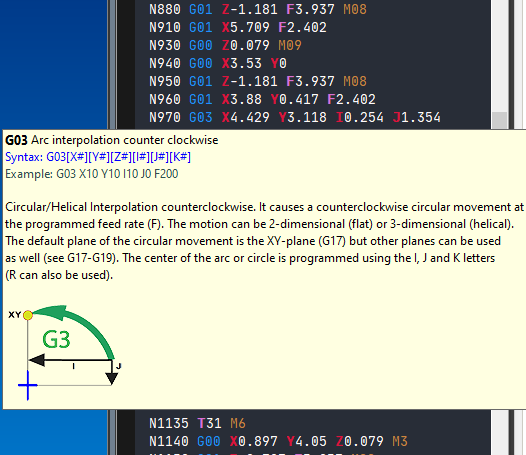
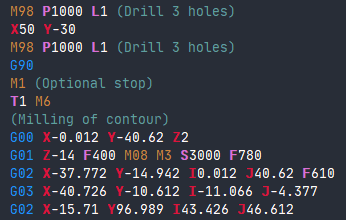
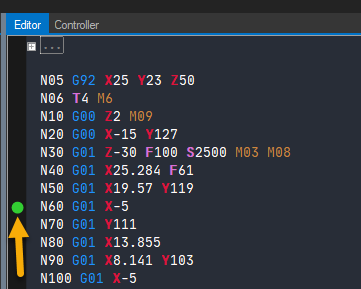
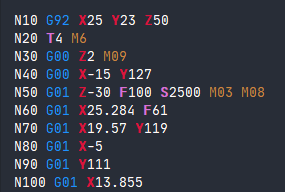
- Advanced CNC editor - Syntax highlighting, programming help
- SimCam CAD/CAM - Integrated CAD/CAM system
- 3D Maker - 3D model milling
- Gear Maker - Gear creation
Important Note: The simulator in its standard configuration is not machine or controller specific. Users are responsible for verifying code before running it on real machines.
0.2
What is Needed?
This section describes the system requirements and prerequisites for running CNC Simulator Pro.
System Requirements
| Component | Minimum | Recommended |
|---|---|---|
| Operating System | Windows 7/8/10/11 | Windows 10/11 64-bit |
| Processor | Intel Core i3 or equivalent | Intel Core i5/i7 or higher |
| RAM | 4 GB | 8 GB or more |
| Disk Space | 500 MB | 1 GB |
| Graphics Card | OpenGL 2.0 | OpenGL 3.3+ dedicated |
| Resolution | 1280x720 | 1920x1080 or higher |
Prerequisites
- Microsoft .NET Framework 4.7.2 or later
- Visual C++ Redistributable for Visual Studio 2019
- Updated graphics drivers for OpenGL
0.3
About Versions and Updates
Information about CNC Simulator Pro versions and how to keep the software up to date.
Current Version
CNC Simulator Pro version 4.x is the latest major version of the software, with numerous improvements and new features.
Version History
- Version 4.x - Current version with improved SimCam, new 3D Maker
- Version 3.x - Introduction of SimCam and multi-language support
- Version 2.x - Added lathe simulation and multi-axis machines
- Version 1.x - Initial version with basic milling simulation
How to Update
To update CNC Simulator Pro:
- Visit the official website
- Download the latest version from the Download section
- Run the installation program
- Existing settings and files will be preserved