Your students learn CNC without risk and without waste
No more wasted materials, broken tools, or students waiting in line. With CNC Code Desktop, every workstation in the lab becomes a lathe and a milling machine: unlimited practice, in complete safety.
The problems you know so well
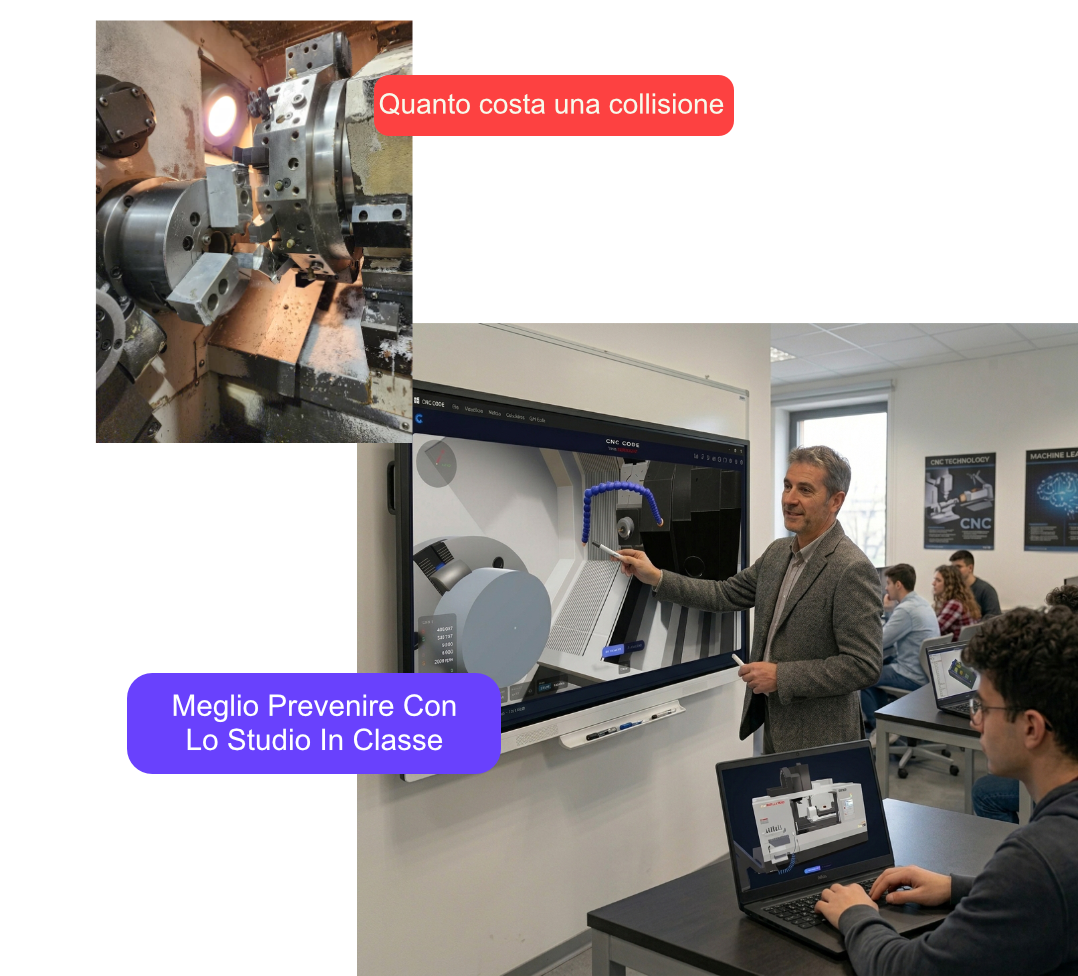
Teaching CNC programming using actual machines is expensive, risky, and limiting. This is what school labs face every day.
Expensive CNC Machinery
An educational CNC milling machine costs between 15,000 and 50,000 euros. It also requires ongoing maintenance, consumables, and specialized personnel.
Security Risks
Inexperienced students can cause accidents. Programming errors can result in broken tools, damaged parts, or worse.
Limited Machine Time
With 25 students and only one car, each student gets just a few minutes of practice. It’s impossible to gain real-world experience.
Overworked Faculty Members
Supervising students as they work on actual machines requires constant attention. A teacher cannot keep an eye on everyone at the same time.
CNC Code Desktop: The Virtual Workshop on Every PC
A professional CNC simulator for Windows and Mac that turns any workstation into a lathe and a milling machine. Students can program, make mistakes, and improve—all without risk or cost.

Immediate Savings
A license costs less than the material wasted in a month of mistakes. No maintenance, no supplies, no surprises.
Total Security
Students make mistakes in a virtual environment, with the same warnings as in a real car. When they move to the real world, they already know what to do.
Unlimited Practice
Each workstation is a complete computer. Students practice in the lab and continue at home using the free mobile app.
Scalable
From 10 to 100 workstations without any hardware investments: the PCs you already have in your lab are all you need.
For Teachers
Tools for Better Teaching
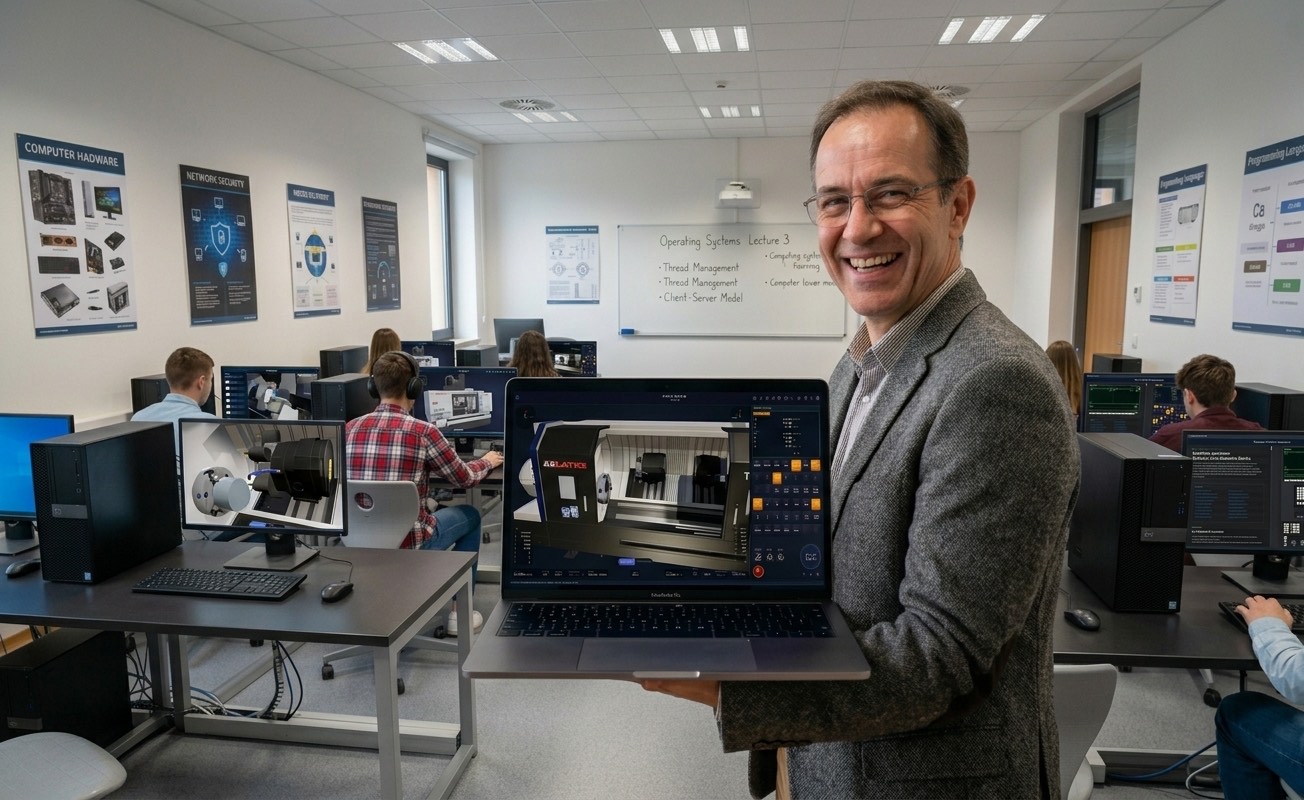
- Assign exercises and check them in a simulation
- Check the G-code before it's sent to the machine
- The same software on all workstations in the lab
- Unlimited saving, importing, and exporting of programs
- Post-processor for bringing programs to the workshop
- User Manual and CNC Academy to Get Started Right Away
For Students
Learn by doing, without fear
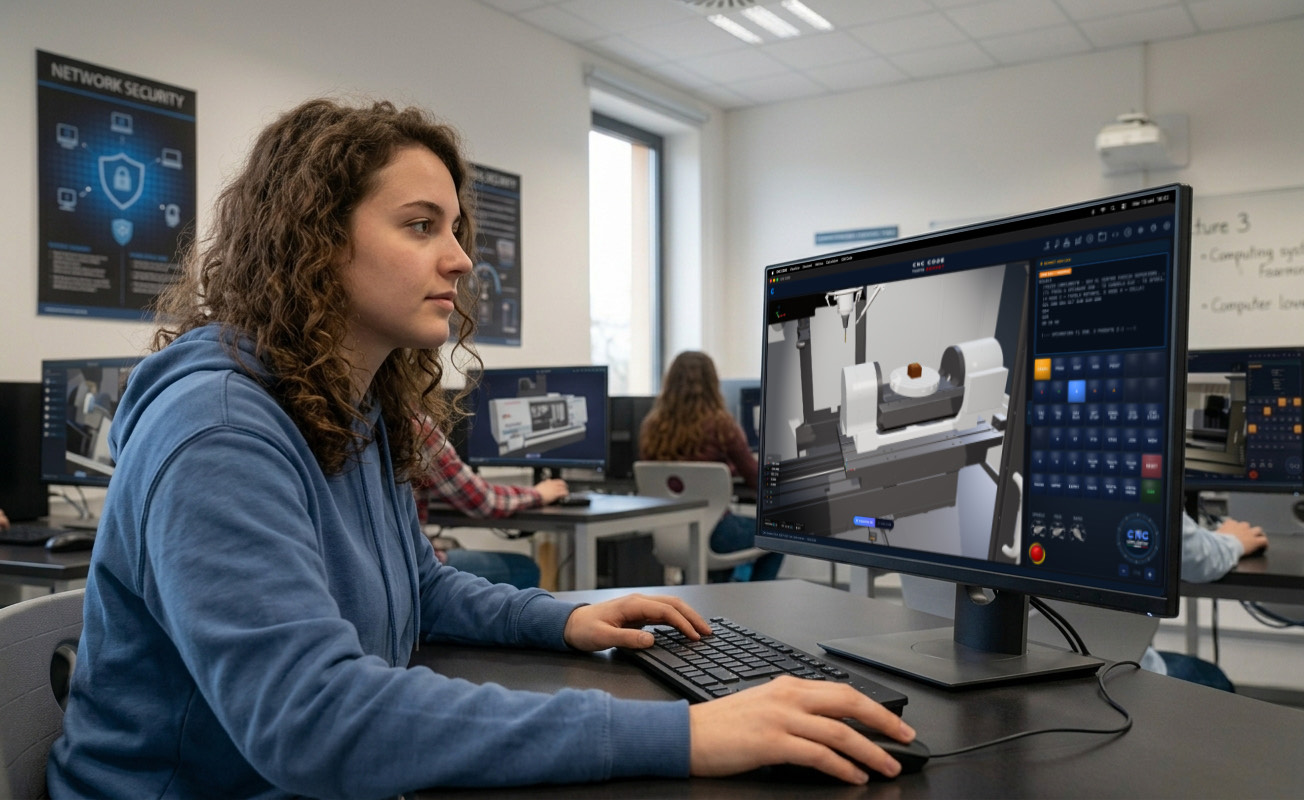
- Learn without fear of making mistakes
- Lathe and Milling Machine in the Same Software
- You can see the 3D rendering while the program is running
- It detects errors immediately, with real-time alerts and messages
- You can also exercise at home using the mobile app
- Prepare the lab assignments
Lathe and Milling Machine, with Workshop Controls
Two complete machines in a single software package, featuring the programming languages students will actually encounter in the workplace: Fanuc, Siemens, Heidenhain, Haas, Mazak, and others.
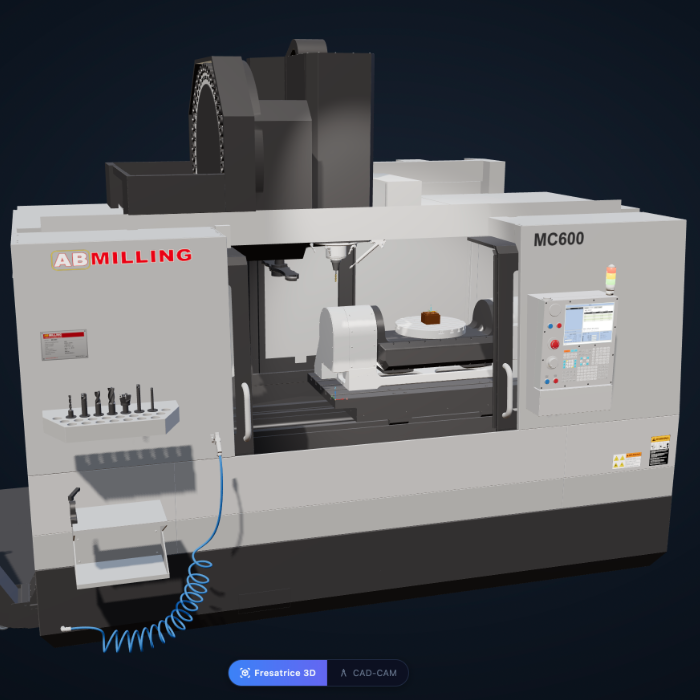
Milling Machine
3 axes, fixed cycles, and a rotating axis
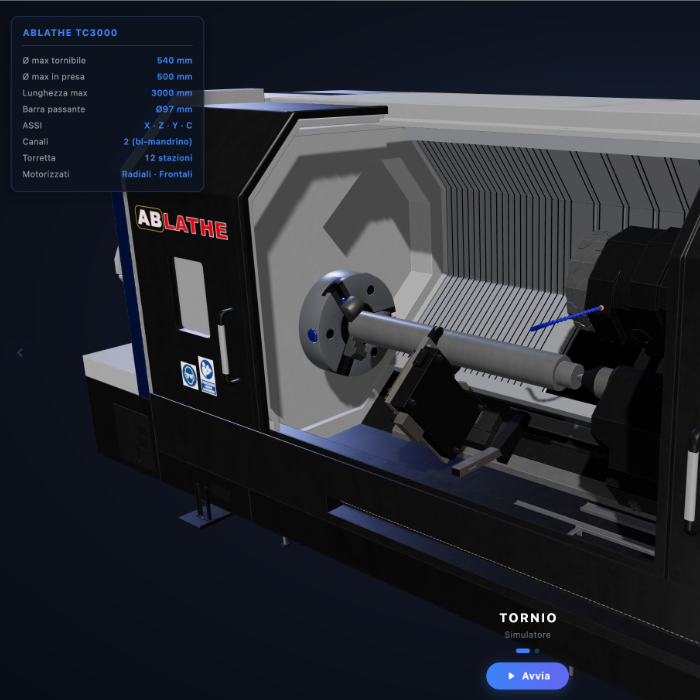
Lathe
C-axis, Powered Tools, and Counter-Spindle
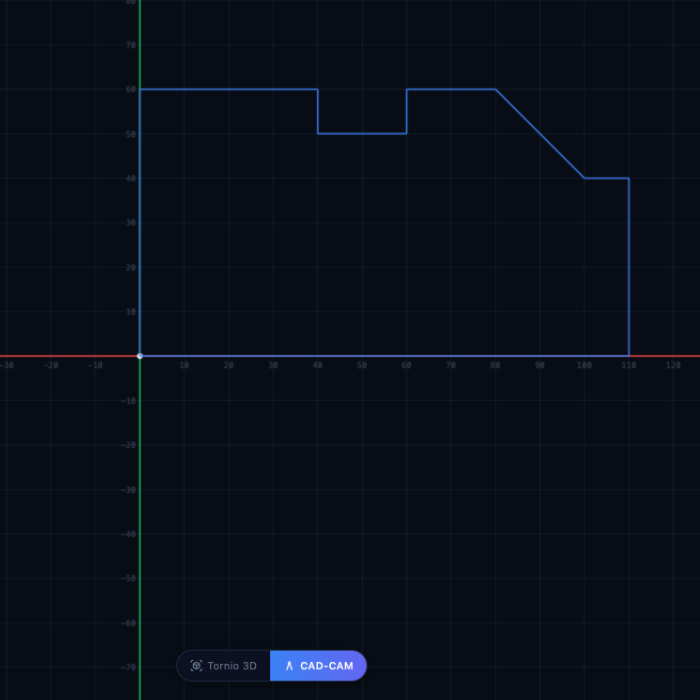
Integrated CAD/CAM
From Profile to G-Code
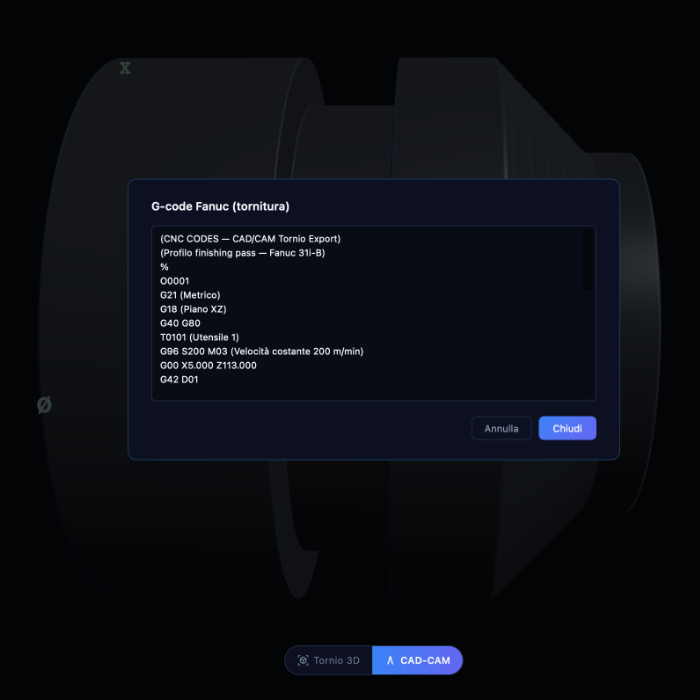
G/M Codes and Their Uses
ISO Tolerances, Feed Rates, and Cuts
What the teachers say
The experiences of those who bring the simulator into the lab every day
"Since we started using the simulator, students have been arriving at the actual machine already prepared. Errors have decreased by 80%, and lab productivity has tripled."
Prof. Marco Benedetti
Professor of Mechanical Engineering
Galileo Galilei Technical Institute
"The savings on supplies paid for the licenses in less than two months. Now students can experiment to their heart's content."
Prof. Laura Conti
CNC Lab Manager
IIS Leonardo da Vinci
"Finally, I can assign homework. The students come to the lab with their programs already checked and ready."
Prof. Giuseppe Ferraro
Professor of Systems and Automation
IPSIA Enrico Fermi
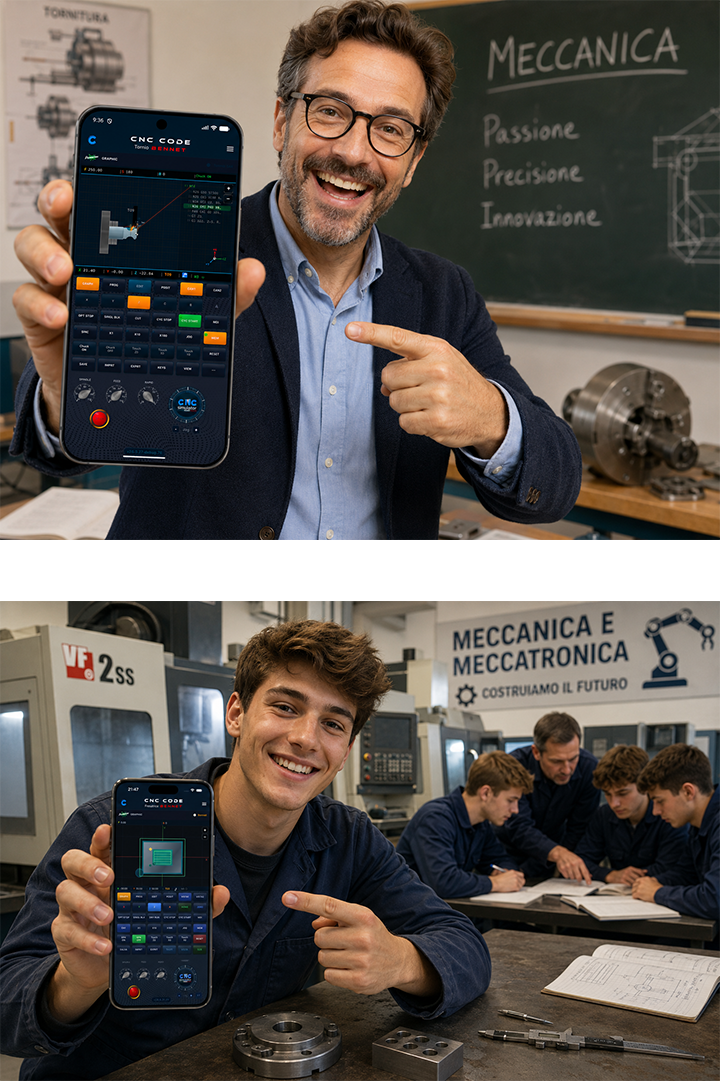
CNC Code Mobile
Free for all your students and teachers
Every school that buys CNC Code Desktop receives CNC Code Mobile as a gift — our app for iOS and Android — free for all students and teachers enrolled in the Mechanics and Mechatronics courses of the same school.
- ✓Complete G/M code database always in your pocket
- ✓Works offline — no connection needed
- ✓License valid for the whole duration of the school contract — renewed free at every renewal
- ✓Licenses managed by the teacher through our Online Workshop
- ✓Available on Android and iOS — for every student
* The gift is activated automatically once the order is confirmed. Valid for all students and teachers enrolled in Mechanics and Mechatronics courses. The CNC Code Mobile license lasts as long as the CNC Code Desktop license purchased by the school and is renewed free of charge at every renewal.
Packages for Schools
Flexible licenses to meet every need. All packages include support, updates, and access to all the features of CNC Code Desktop.
Basic Workshop
Ideal for a lab with 10 workstations
- 10 simultaneous activations
- Lathe and milling machine included
- Integrated CAD/CAM and post-processor
- Updates for 1 year
- Remote Support
Standard Laboratory
For entire classes of up to 25 students
- 25 simultaneous activations
- Lathe and milling machine included
- Integrated CAD/CAM and post-processor
- Updates for 1 year
- Priority Support
Institute
For institutions with multiple labs
- 50+ simultaneous activations
- Lathe and milling machine included
- Integrated CAD/CAM and post-processor
- Updates for 1 year
- Dedicated Support
- In-person training
- Guided Installation
Do you have different needs? Contact Us for a personalized quote.
Frequently Asked Questions
Answers to Schools' Most Frequently Asked Questions
Get started with the free demo
Download CNC Code Desktop and try it out in your workshop. Or request a customized quote for your school.