From drawing to finished part, before touching the machine
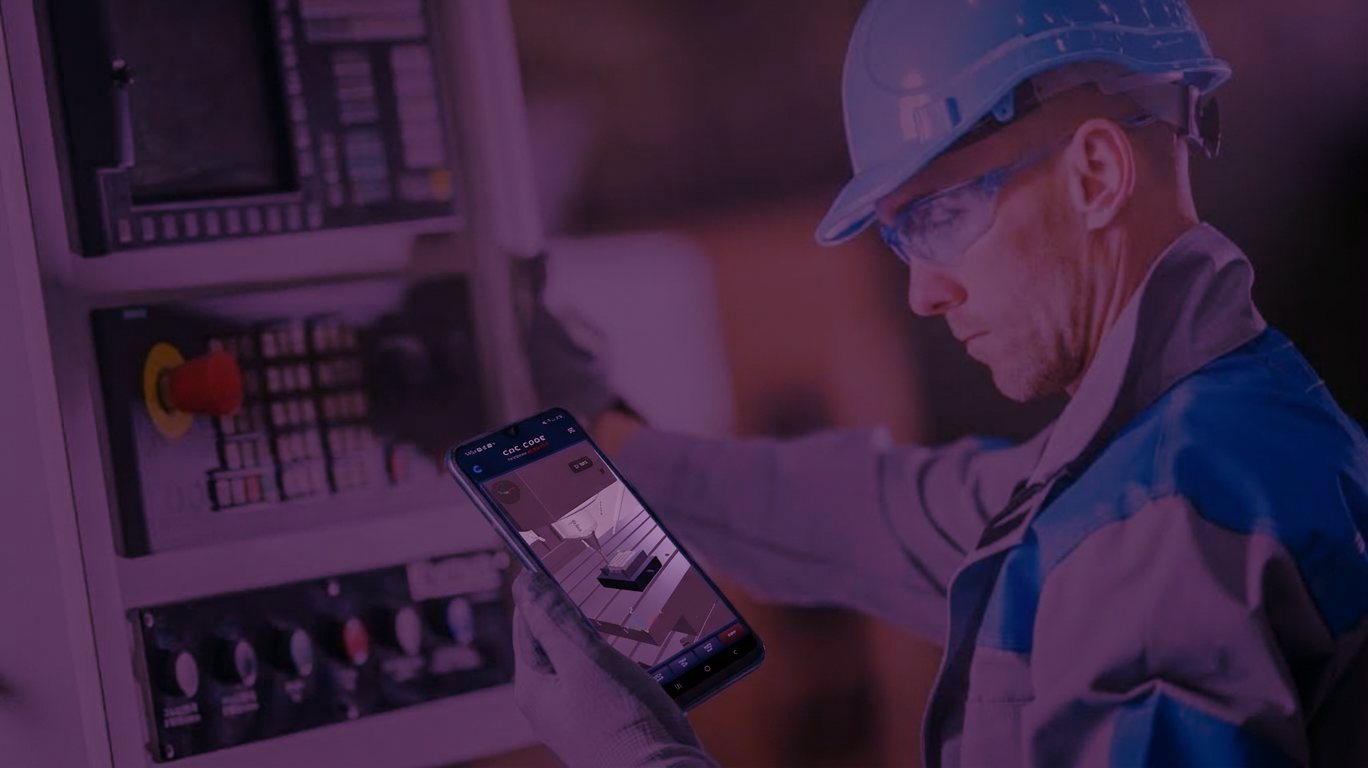
CNC Code Desktop draws the part, gives you the complete program in your own control language, runs it in 3D on lathe and milling machine up to 5 axes and prints your setup sheet. What goes to the machine, you have already watched it cut.
The Challenges of In-House Training
Training skilled CNC operators costs time and money. Every hour of training on a production machine is an hour of lost production time.
High Training Costs
Training new CNC operators requires weeks of on-the-job training on production machines. Every hour of training is an hour of lost production time.
Long Setup Times
It takes new hires months to become self-sufficient. In the meantime, they slow down production and require constant supervision.
Costly Errors and Waste
An inexperienced operator makes costly mistakes: scrap parts, broken tools, and machine downtime. Every mistake affects the profit margin.
Turnover and Continuity
When an experienced employee leaves, they take valuable expertise with them. Rebuilding those skills takes time and investment.
Draw, program, verify, set up
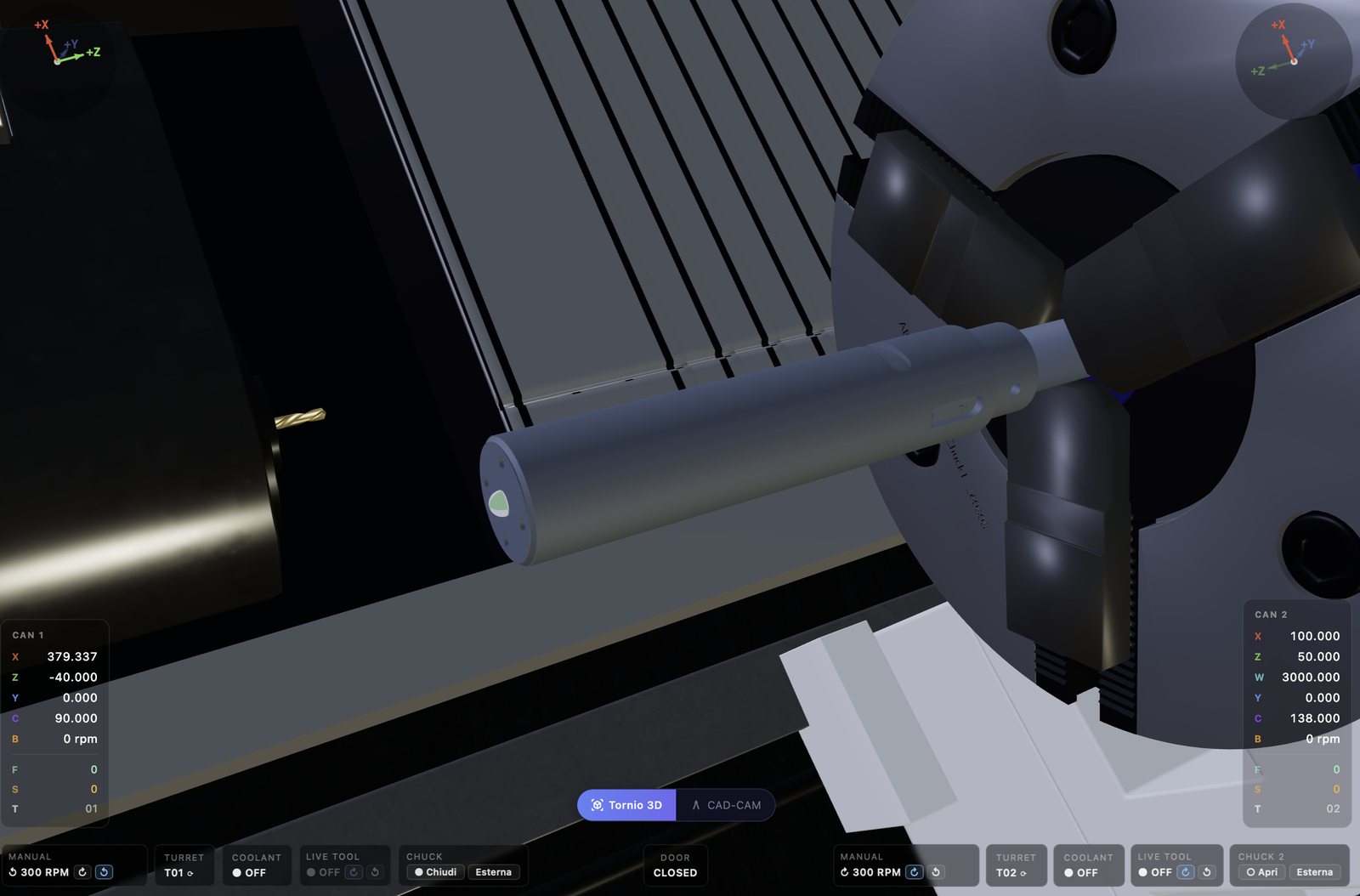
The drawing becomes a program through your control's post-processor. The program runs in 3D with real material removal: you see tool paths, collisions and the same alarms the machine would raise. At the end you print the tool list with type, insert, radius and stick-out, so the shop floor sets up from a sheet, not from memory.
Reduced Training Costs
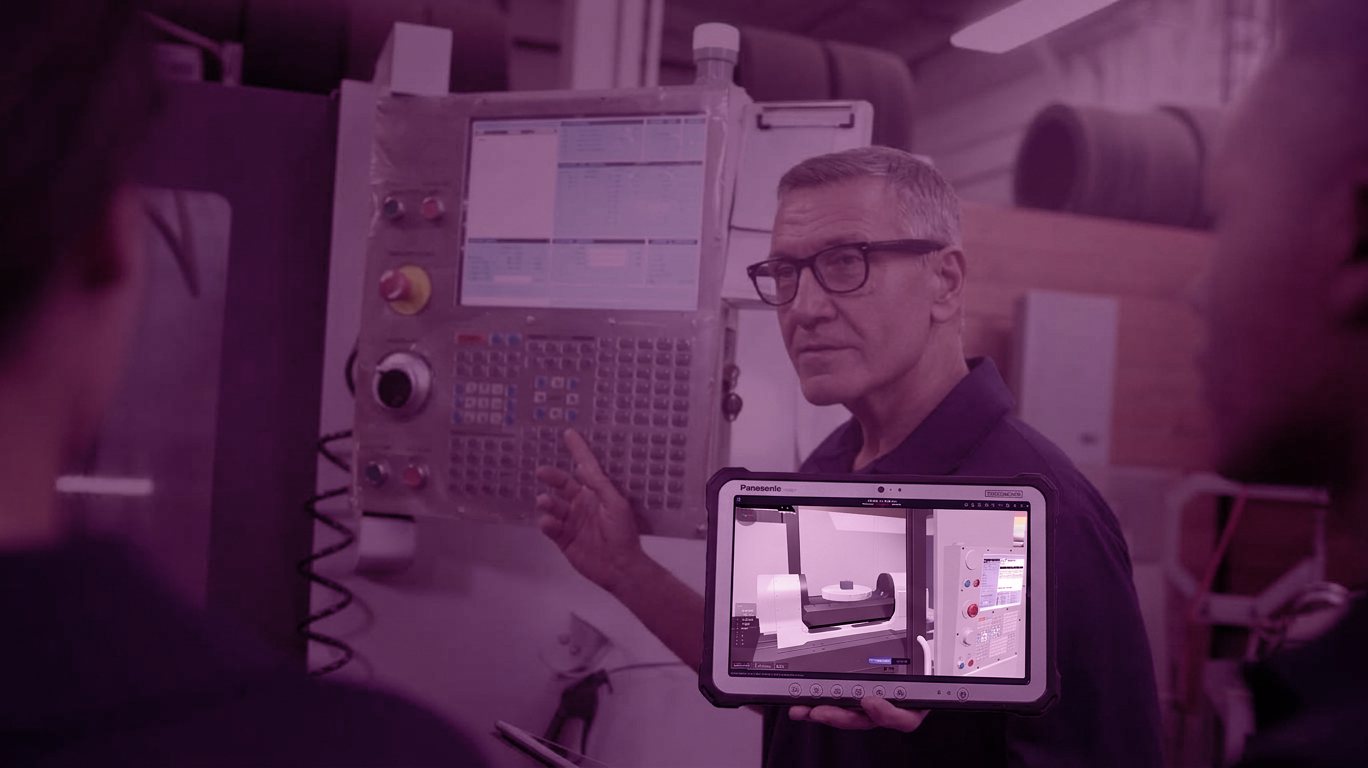
Train new operators offline without halting production. Drastically reduce onboarding costs.
Fast Track Enrollment
New hires arrive at the machine already trained. It cuts training time in half and boosts productivity from day one.
Zero Errors in Training
All errors occur in the simulator, not on the machine. This eliminates scrap, tool breakage, and machine downtime during training.
Process Standardization
Create standard operating procedures. Every operator follows the same best practices, ensuring consistent quality.
For the shop floor
Machine set up right, program already proven
- Run the program in 3D before sending it to the machine
- See collisions and alarms exactly as the control would raise them
- Print the tool list: type, insert, radius, stick-out
- Set jaws, collets and clamping just like on the real machine
- Work with dual channel and sub-spindle
- Train new operators while the machines keep producing
For the technical office
From drawing to G-code, without leaving the program
- Draw the part with dimensions, chamfers, fillets and threads
- Import and export DXF from your CAD
- Generate the program in your control's language
- Print the technical drawing with title block and standard views
- Measure on the 3D part: diameters, grooves, angles, threads
- Save the whole project and reopen it when that job comes back
2 Machines: Lathe and Mill
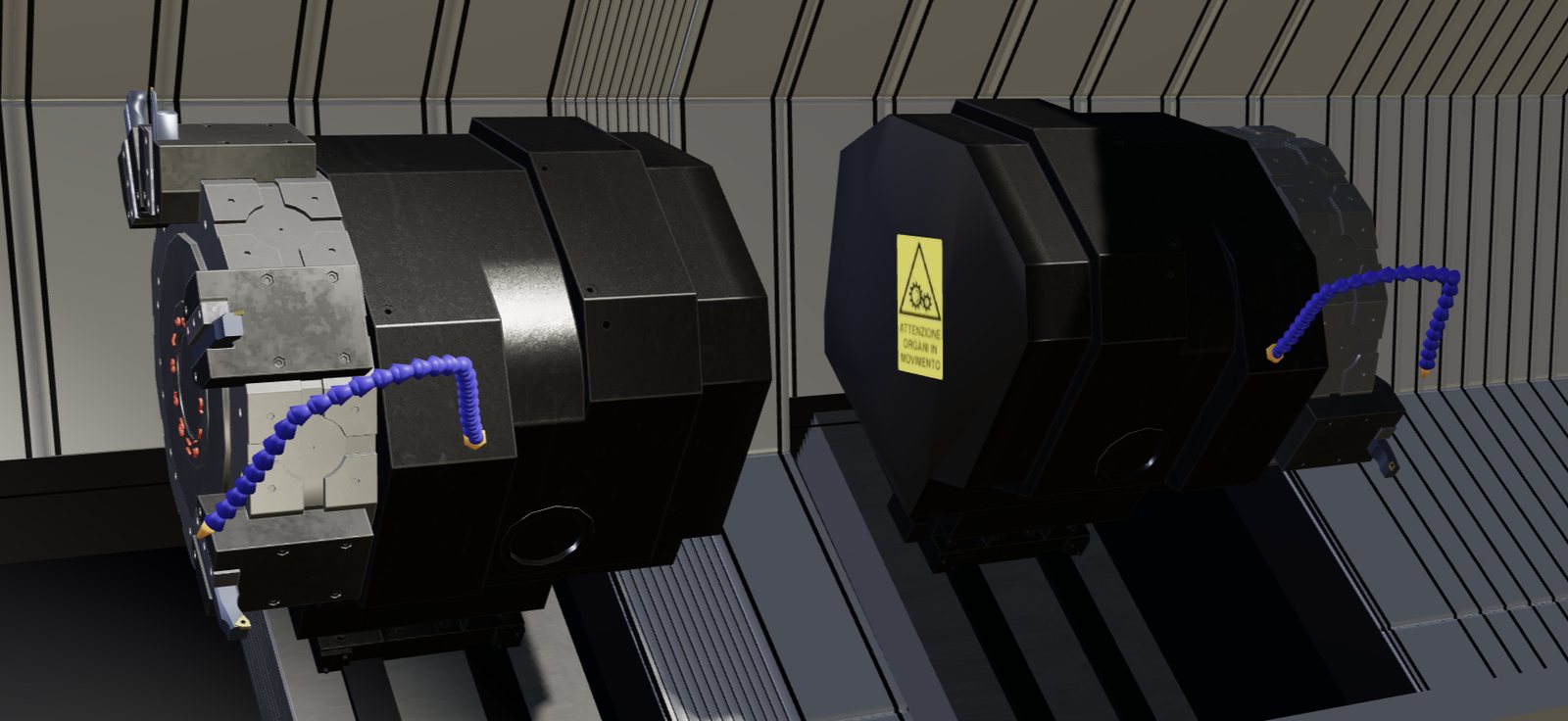
Lathe and milling machine up to 5 axes, in 3D, with dual channel and automatic tool change. Train operators on the machines you use in production, even before buying them.
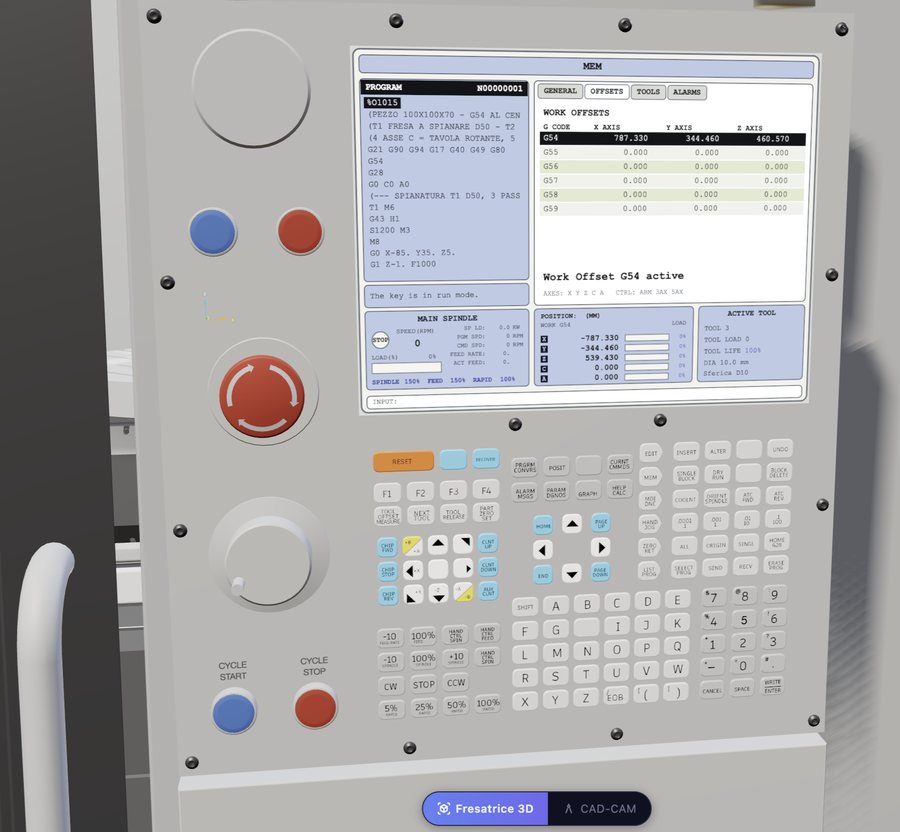
Milling machine
3, 4 and 5 axes with rotary table and tilting plate
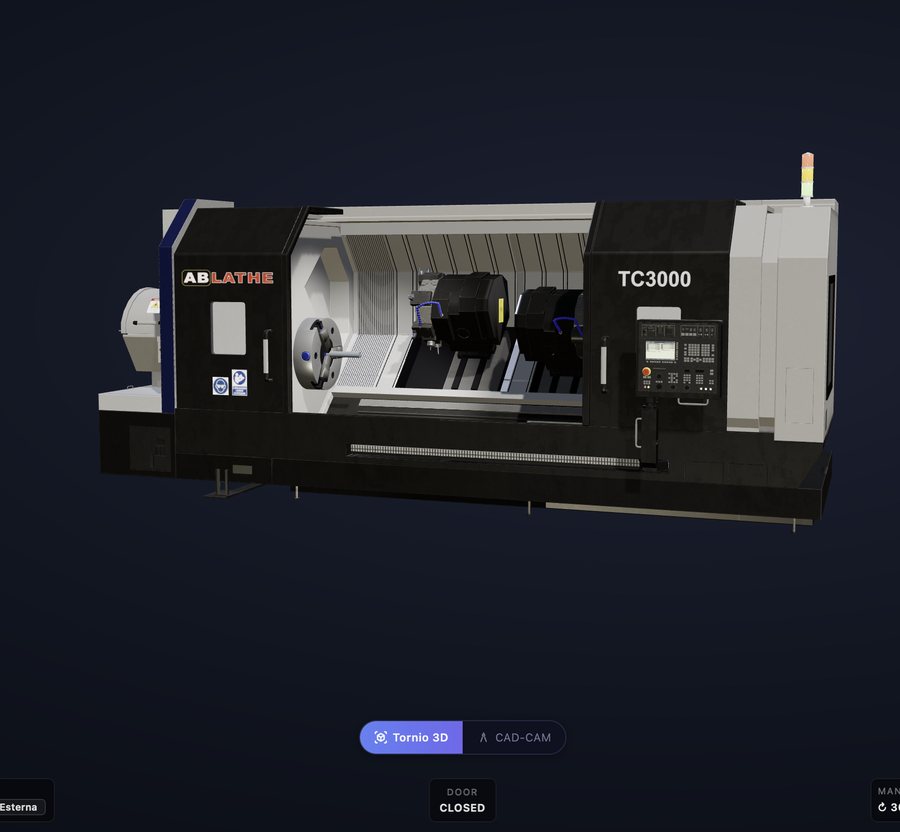
Lathe
From 2 to 5 axes with live tooling
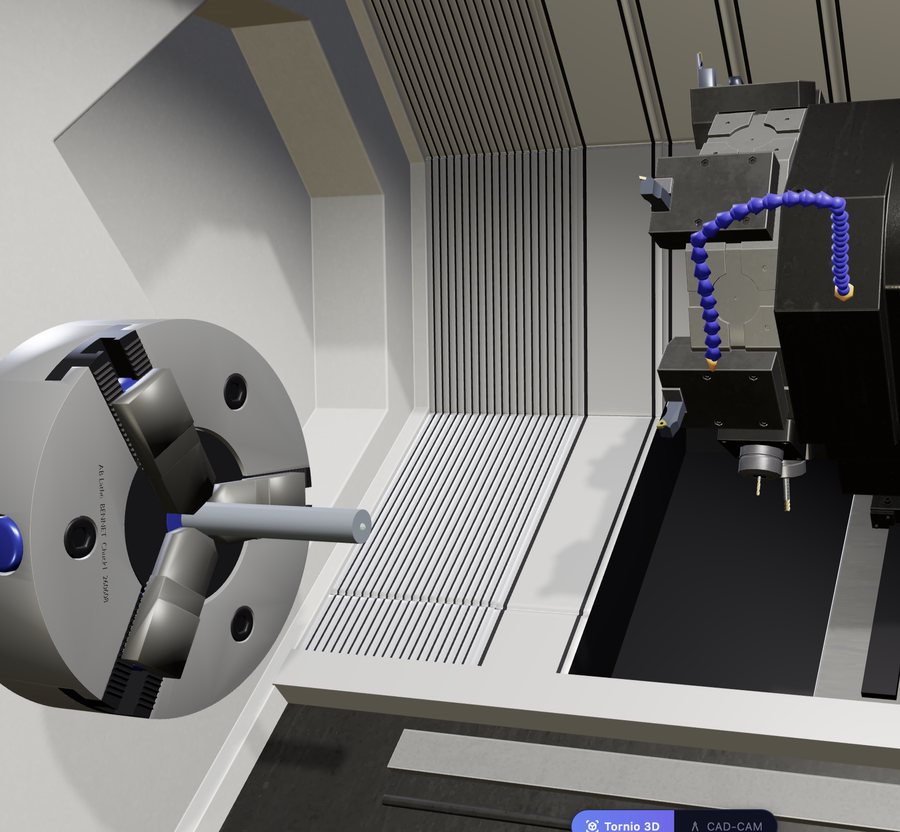
3D turning
Spindle orientation and second channel
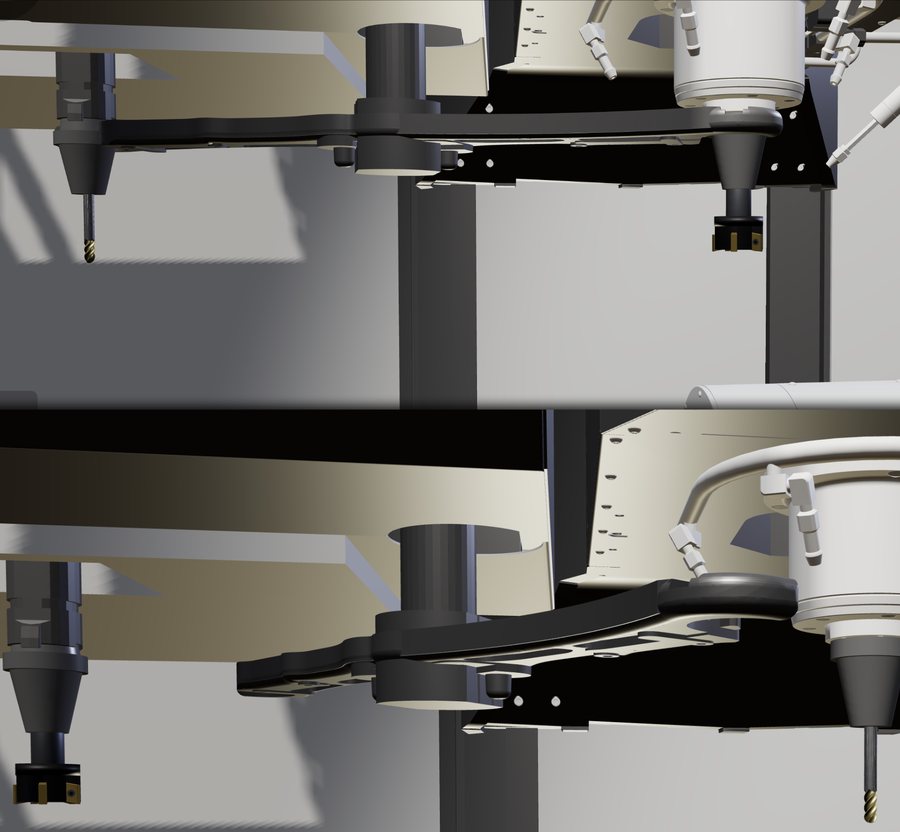
3D milling
Automatic tool change, up to 50 tools in the magazine
What Our Customers Say
Success stories from schools and companies across Italy
"Since we started using CNC Simulator Pro, new operators arrive at the machine already trained. We’ve cut setup times in half and virtually eliminated errors during the first few months."
Marco Ferretti
Production Manager
Meccanica Precision, LLC
"The ROI was immediate. The cost of the software paid for itself with the first operator trained, without halting production."
Laura Benedetti
HR Manager
TechnoMetal, Inc.
"We also use the simulator to test new programs before running them on the machine. It has prevented several potential accidents and tool breakages."
Giuseppe Romano
Technical Director
Veneto Mechanical Workshops
Frequently Asked Questions
Find answers to the most common questions
Ready to Get Started?
Download the free demos and discover how our CNC simulators can optimize your team’s training, reduce costs, and speed up the onboarding of new operators.