

Become a CNC expert before even entering the workforce
Prepare for your career with professional tools. Learn CNC programming on your PC and take your skills anywhere with the mobile app.
Why learn CNC as a student?
CNC skills are among the most in-demand in the manufacturing sector. Start your journey toward a successful career today.
Special prices for verified students
Affordable annual licenses
High job market demand for CNC operators
Free teaching materials included
Unlimited and safe practice with simulation
Student support community
Our Products
Software solutions for every need: from school training to industrial production
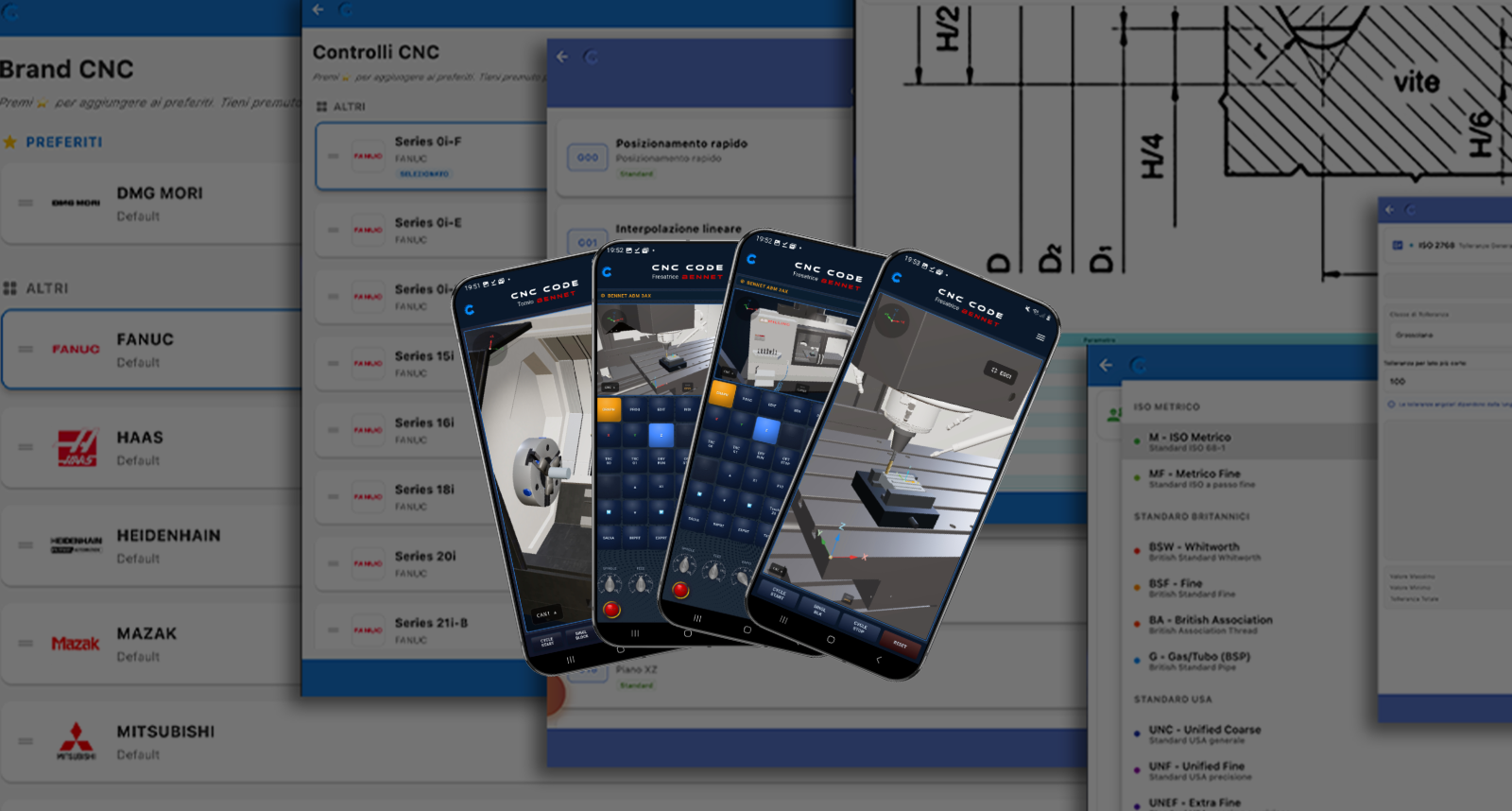
CNC Code
The essential mobile app for studying G and M codes wherever you are. A comprehensive database, always in your pocket.
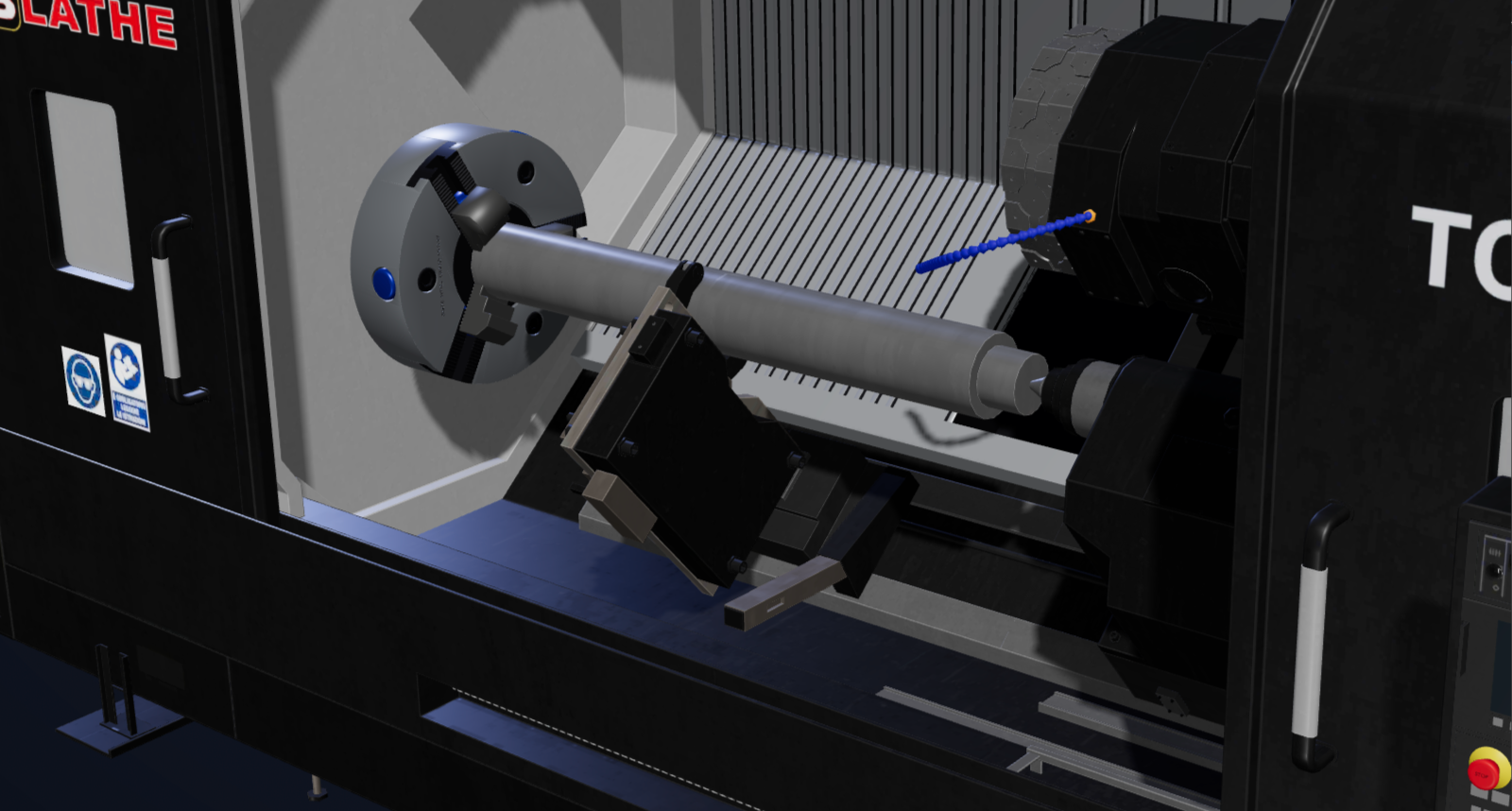
CNC Code Desktop
The full simulator for PC and Mac: lathe and 5-axis milling in 3D, CAD/CAM and the codes of real controls.
Student discount: 50% for secondary and vocational schools, 25% for university, with a verified student card.
How to get the student price
- 1Sign up choosing the Student profile — sign up here
- 2Upload your student card (or an enrolment certificate) from your profile: we check it, usually the same day.
Already have an account? Sign in, go to your profile and upload your student card asking to be approved as a student — go to your profile
Free 10-day trial, with no limits on features.
Your Learning Journey
A step-by-step approach to mastering CNC programming, from theory to practice.
Learn G and M codes with the CNC Code app. Understand the logic behind each command and build a solid foundation.
Move on to simulation with CNC Code Desktop. Write your programs, watch the machining in 3D and learn from mistakes without breaking anything.
Master advanced techniques and build a portfolio of projects to show future employers.
"I learned more with CNCSimulator in one month than in a year of theory at school. Now I am ready for my internship!"
Frequently Asked Questions
Ready to Get Started?
Try CNC Code with the free 10-day trial and start learning right away. When you are ready, move to CNC Code Desktop for full practice on PC and Mac.