CNC CODE DesktopCNC CODE Desktop 3DCNC Code MobileCNC CODE - Multi LicenseCNC CODE Desktop

CNC CODE DesktopProfessional Simulation

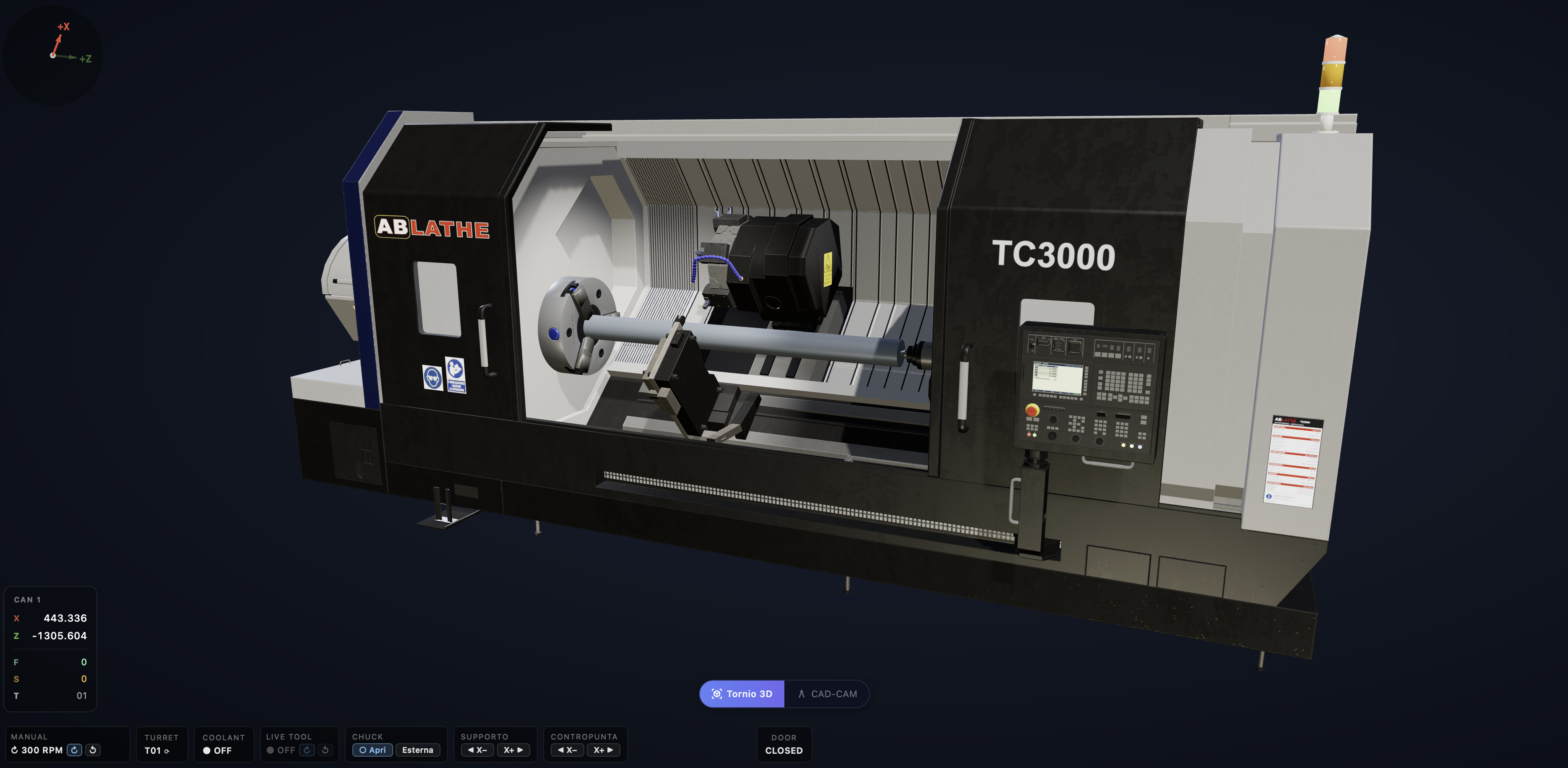
Now it will finally be possible to do great things with a product like CNC CODE Desktop 3D. 2-channel turning, CAD CAM, Post-Processors, Live Tooling, and more.. Available for MacOS, Windows and Linux

New in 2026 — we are now cncsimulator.it →

Crash it here.
Not on the machine.

The CNC simulator for turning and milling that brings the workshop to your PC, tablet and smartphone. Write the G-code, run it, watch the chips fly — without breaking a single tool.

Fanuc · Siemens · HeidenhainWindows · macOS · iOS · AndroidAvailable on MePA (Italian public procurement)
CNC CODE Desktop — O1001 PERNO.ncAUTO · CYCLE
1O1001 (THREADED PIN)
2G21 G40 G99
3T0101 (ROUGHING)
4G96 S180 M03
5G00 X42. Z2.
6G71 U1.5 R0.5
7G71 P10 Q20 U0.4 F0.25
8N10 G00 X16.
9G01 Z0 F0.12
10X20. Z-2.
11Z-25.
12X30. Z-35.
13Z-55.
14N20 X42.
15G70 P10 Q20
16G28 U0 W0
17M30
Z0Ø42
X
16.000
Z
2.000
CYCLE TIME
00:01:47
183
schools and teachers signed up
13.558
registered users
12.022
joined through CNC Code
15+
years in the workshop and at the machine
10
languages, from Italian to Brazilian Portuguese
ALREADY IN THE LAB AT
IIS Zappa-FermiITIS MarzottoIIS Scarpa-MatteiIS Saraceno-RomegialliIIS G. BrunoITIP L. BucciITIS G. DorsoIIS GalileiIISS Marie CurieDidacta Service…and 78 more
T01 — THE RANGE

A machine for every bench.

From the student's smartphone to the lab workstation: same engine, same G-code, same shop-floor habits.

See the full user manual →
TOP OF THE RANGEWindows · macOS

CNC CODE Desktop & 3D

Professional 2-channel turning and 5-axis milling with a 3D engine. Built for teachers, companies and school labs.

  • ▸Powerful 3D engine
  • ▸2-channel turning
  • ▸5-axis milling
  • ▸Cycle time calculation
  • ▸Machining on real parts
  • ▸Save and export programs
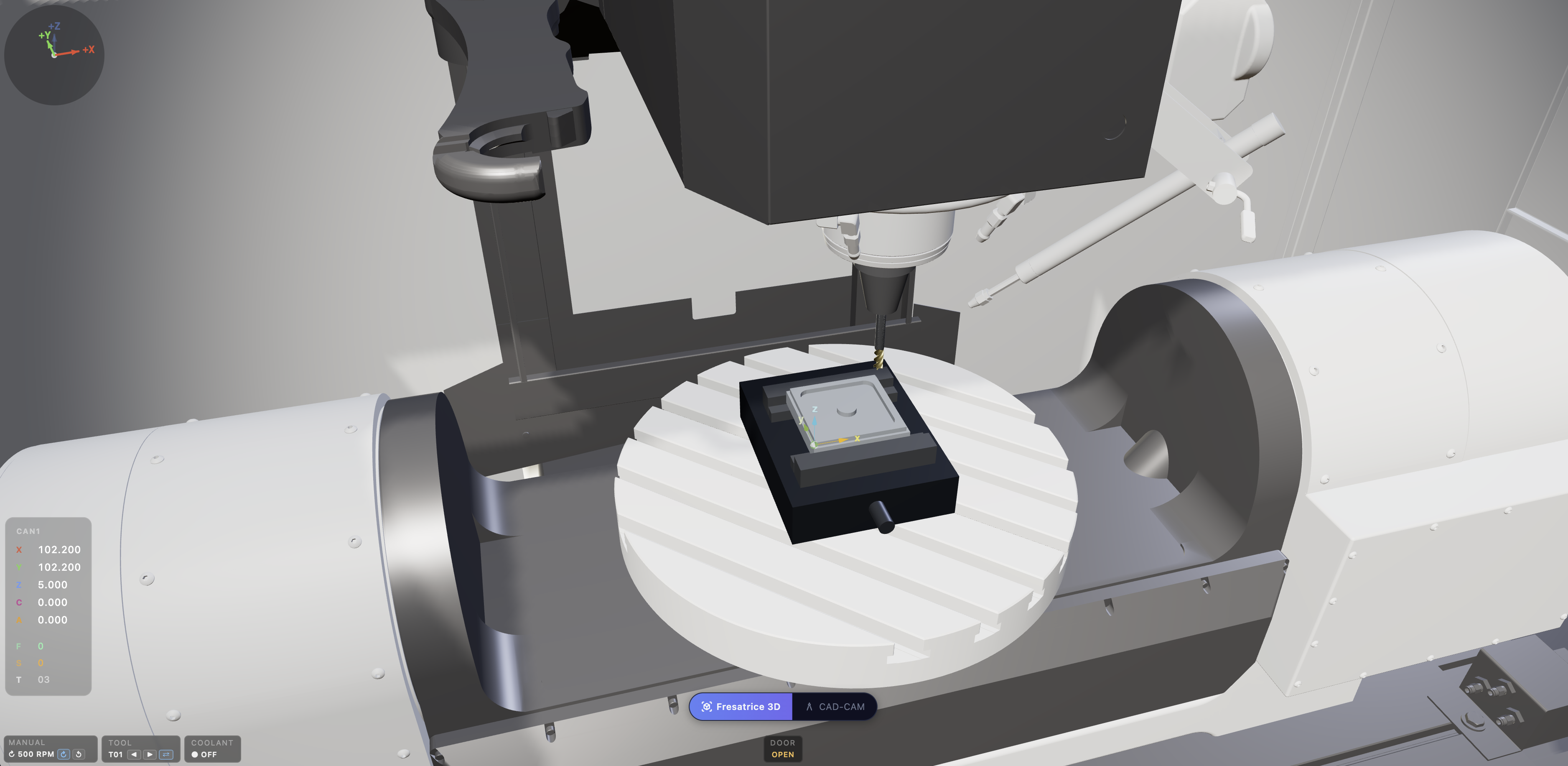
CNC Code Desktop: the 5-axis milling machine in 3D, with the stock clamped on the rotary table
iOS · AndroidONE-TIME

CNC CODE Mobile

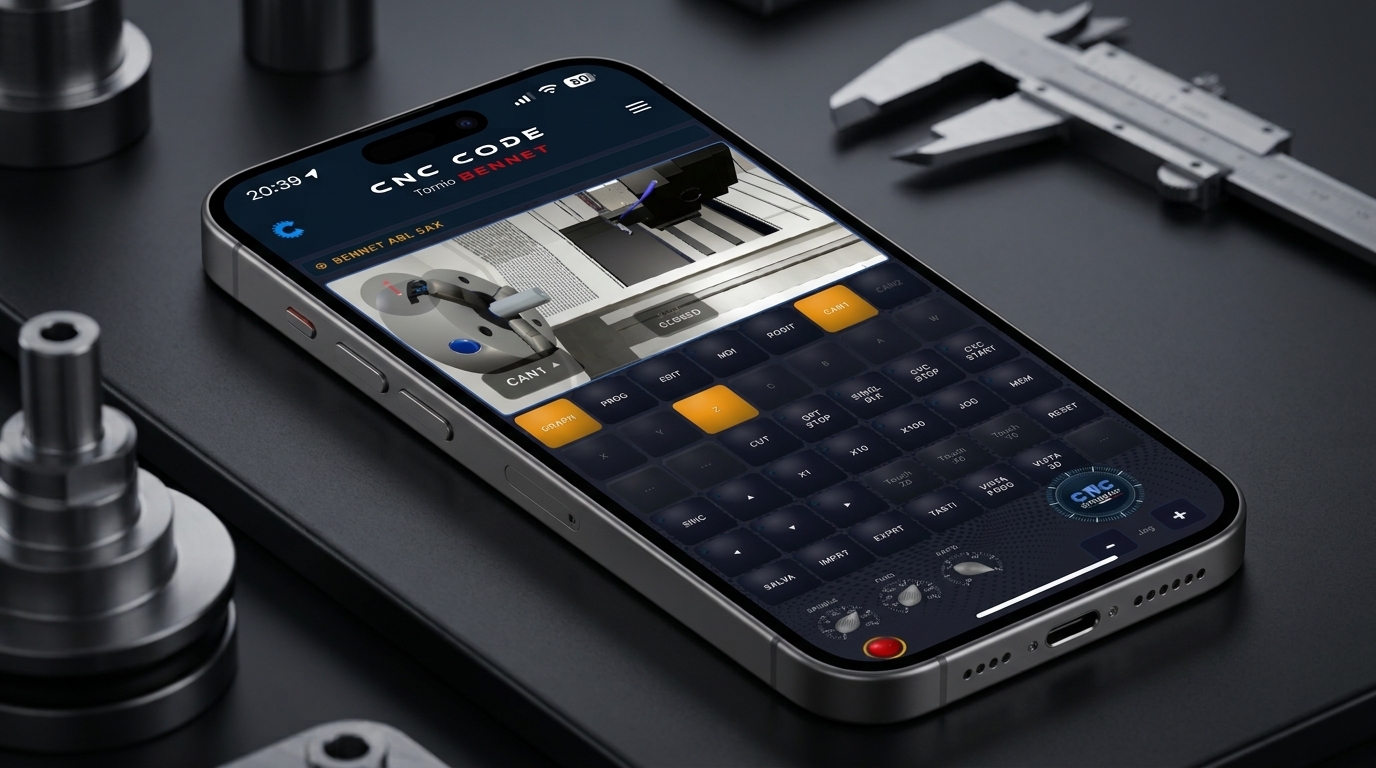
Lathe and mill in your pocket, with a built-in G-code editor. Pay once, no subscription.

  • — Lathe and mill
  • — Built-in G-code editor
  • — Multi-licence for schools
Tablet · iOS · AndroidSUBSCRIPTION

CNC CODE Medium

All the power of Mobile, optimised for the tablet screen: more room for code and simulation.

  • — Lathe and mill
  • — Built-in G-code editor
  • — Multi-licence for schools
SCHOOLS · PUBLIC SECTOR · MEPA

Equipping a whole lab?

Multiple licences, MePA ordering and support in your language. We prepare a quote tailored to your class.

Request a quote →
It's not just a simulator

A whole machine shop inside CNC Code

Two real machines, the CNC controls used in industry, CAD, the post-processor and everything it takes to get a program from the PC to the machine.

Two cars, more than 65 inspections

Not dozens of identical machines with different labels: a complete lathe and a complete milling machine, and for each one, you choose the control system. Fanuc, Siemens, Heidenhain, Okuma, Haas, Mazak, and others, each with its own language.

Workshop Lathe

Two turrets, a sub-spindle, a C-axis, and powered tools; a tailstock; and fixed cycles for roughing, threading, and drilling.

Milling machine with up to 5 axes

Automatic tool changer, drilling and pocket-milling cycles, G41/G42 radius compensation, and a rotary table for 4- and 5-axis machining.

Integrated CAD/CAM

You design the part, the CAM software calculates the toolpaths, and the G-code is generated and ready for use on the lathe and milling machine, without needing any other software.

Post-processor for each control

The program is output in the language of the selected control system: Sinumerik, OSP, Heidenhain, Haas, Mazak, or Fanuc. Ready to be loaded into the machine.

DXF, STEP, and photos of the drawing

Import DXF drawings and STEP models into the CAD/CAM system. On the lathe, you can even start with a photo of the drawing: the wizard prepares the part, tools, and program for you.

Programs That Come and Go

Import and export the programs, organize them into projects by brand and vehicle, and take them to the shop on a USB drive.

PDF Drawings and Data Sheets

The drawing on ISO paper with the title block can be printed as a PDF in any language, as can the tool data sheets.

3D Machining

The part takes shape in 3D as the program runs, with collisions against the collets and tailstock and alarms just like on a real machine.

The machine's control panel

MEM, MDI, JOG, handwheel, single-block, and override: Trainees use the same buttons they’ll find in the workshop.

PCs, Macs, phones, and tablets

CNC Code runs on Windows, macOS, Android, and iOS. When you switch phones, your license transfers to the new device.

In 10 languages, with free courses

App, manual, and support in 10 languages, plus videos from the CNC Academy to learn step by step at no cost.

T02 — IN THEIR OWN WORDS

Real reviews, our replies.

They come from the app stores and our website. We answer every single one: these are the latest.

★★★★★Google Play · November 23, 2026
“Здравствуйте. Внесите пожалуйста ещё одну стойку чпу Series 0i-TF Plus токарно-фрезерная стойка.”
— Светлана Н.
OUR REPLY

Здравствуйте, Светлана! Спасибо за отзыв. Ваша стойка уже есть в приложении: Series 0i-TF Plus относится к семейству FANUC 0i-F, на котором построен наш токарно-фрезерный станок ABL 5AX (приводной инструмент, ось C). Откройте FANUC → Series 0i-F, и вы будете работать с ним без дополнительных покупок. Если вам чего-то не хватает именно в Plus, напиш

Read all reviews →
T03 — WHO IT'S FOR

Who are you? We have the right tool.

Seven profiles, seven ways to use CNC Code. Pick yours.

CNC Simulator Italia users: business owner, teacher, student, operator, school principal and CAD CAM programmer in front of a machine tool
PROFILE 01

A CNC lab in every classroom

A multi-licence for the whole class, MePA ordering and no machine stopped by a programming mistake. Students make their mistakes on screen and reach the workshop prepared.

Offer for schools →
T04 — WHY US

Built by someone who's made chips by the ton.

M01

Safe simulation

Test programs with no risk: collisions happen on screen, not on the spindle.

M02

Multi-control

Fanuc, Siemens and Heidenhain: learn on the control you'll find on the shop floor.

M03

Built for training

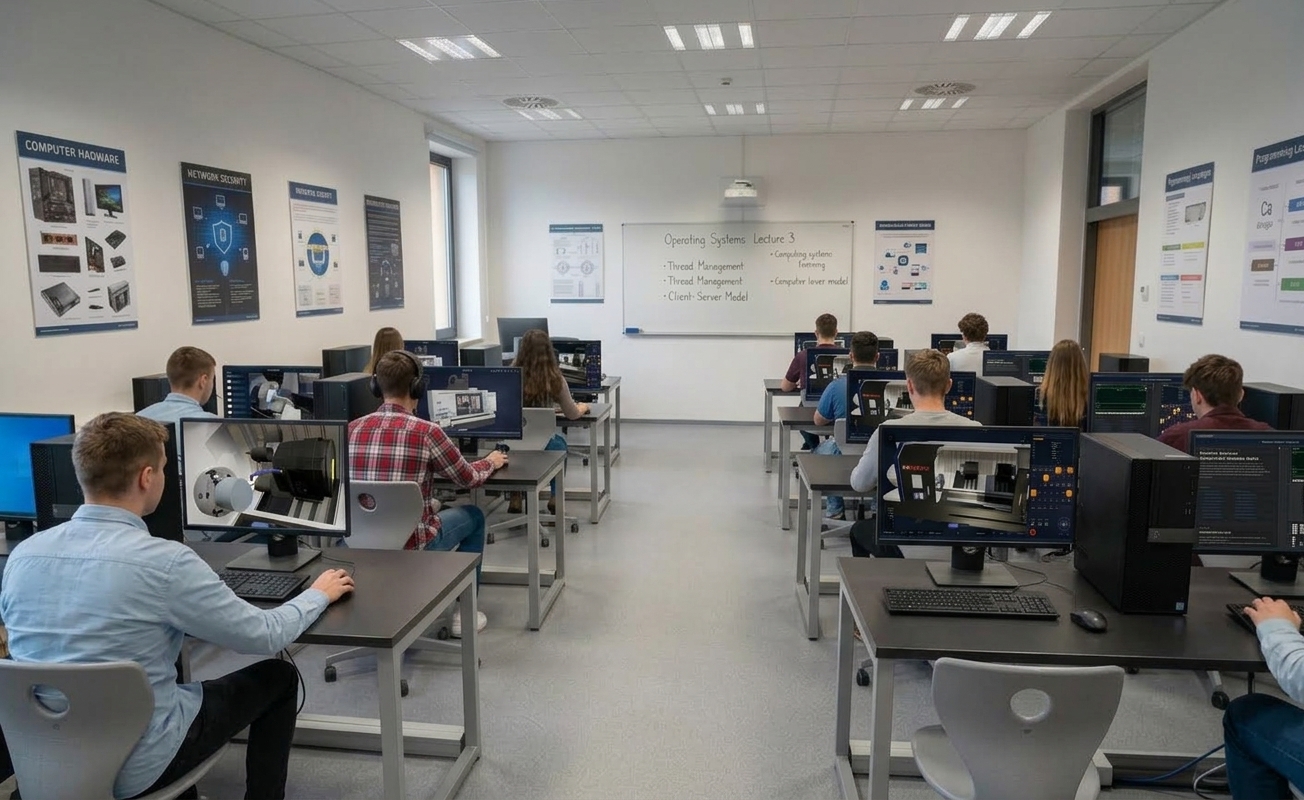
Designed for technical schools, training centres and universities. One licence, a whole class.

M04

Advanced analysis

Calculate cycle times and optimise the program before touching the real part.

M05

Flexible licences

From a single student to a 30-seat lab: the licence grows with you.

M06

Support in your language

Support, documentation and updates included. You hear back from the people who wrote the software, usually within a day.

T05 — NEW IN 2026

New name. Same workshop.

Same company, same team, same passion. Our website is now cncsimulator.it, but you can reach it from our other addresses too: they all lead here. The new domain brought a brand-new licence management system and even faster support.

cncsimulator.itMAIN WEBSITE
YOU'LL ALSO FIND US AT
cncsimulatoritalia.itour first address
cncsimulator.eu→ cncsimulator.it
cncsimulator.org→ cncsimulator.it
M03 S1200_

Ready to start the spindle?

10-day free trial on every platform. No credit card, no scrapped parts.