
MobileUpdate
The simulator's 3D, smooth even on phones
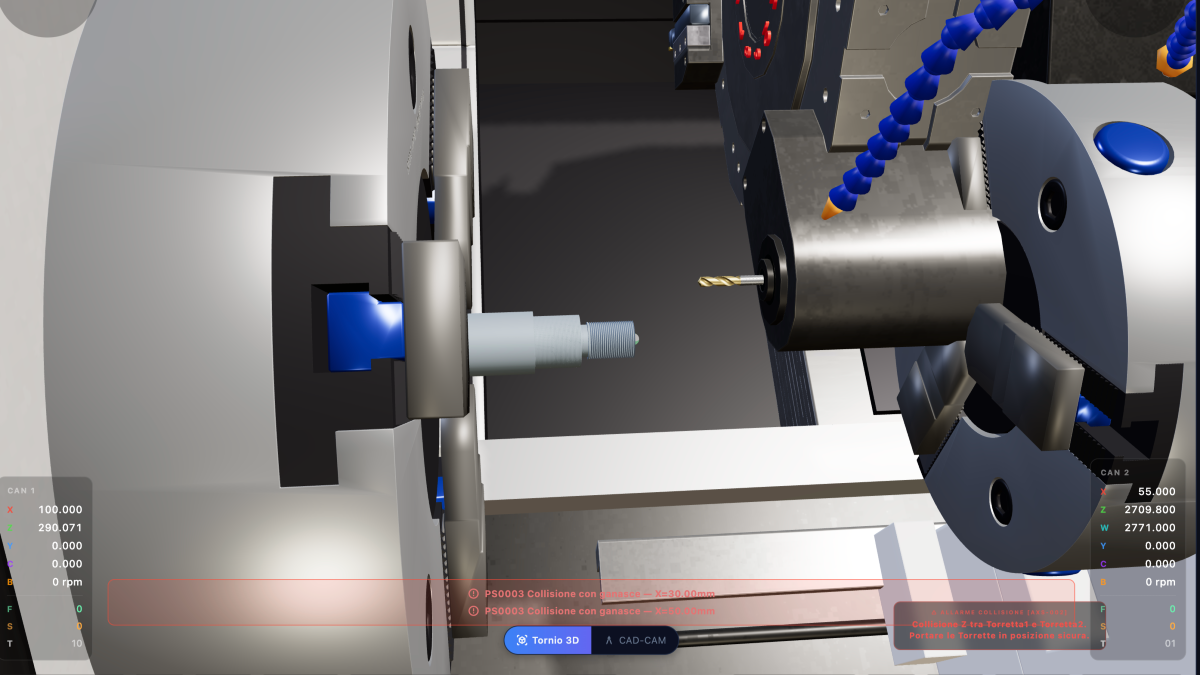
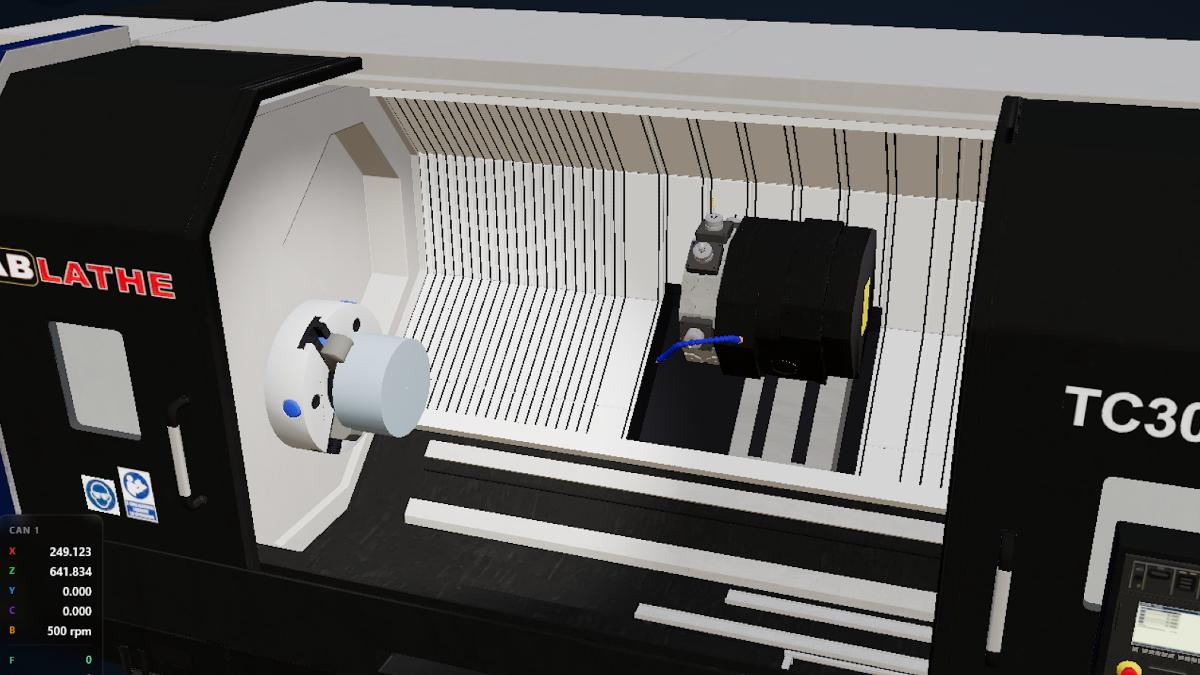
A user wrote to us that on their Android phone the 3D view of the lathe was stuttering. Not an old or broken phone: a recent mid-range model, the kind that costs a fair price and does everything well, except run a 3D scene with the whole machine tool, the workpiece, the coolant, and the tool cutting.
It's the same story we told you about for older PCs, moved into your pocket. And for us the same rule applies: a CNC simulator has to run on the device someone already has, not on the one they'd have to buy.
On the phone, it starts light already
The first thing we changed isn't visible: on the phone the simulator no longer starts at full quality. It starts already in lightweight mode, because on a six-inch screen nobody notices soft shadows and perfectly smooth edges, while everybody notices stuttering.
Then the automatic part kicks in: as you rotate the view, the simulator measures how long it takes to draw each frame. If it sees it's struggling, it drops a level on its own. No one has to tell it, and there's nothing to set.
The controls, for those who want to decide for themselves
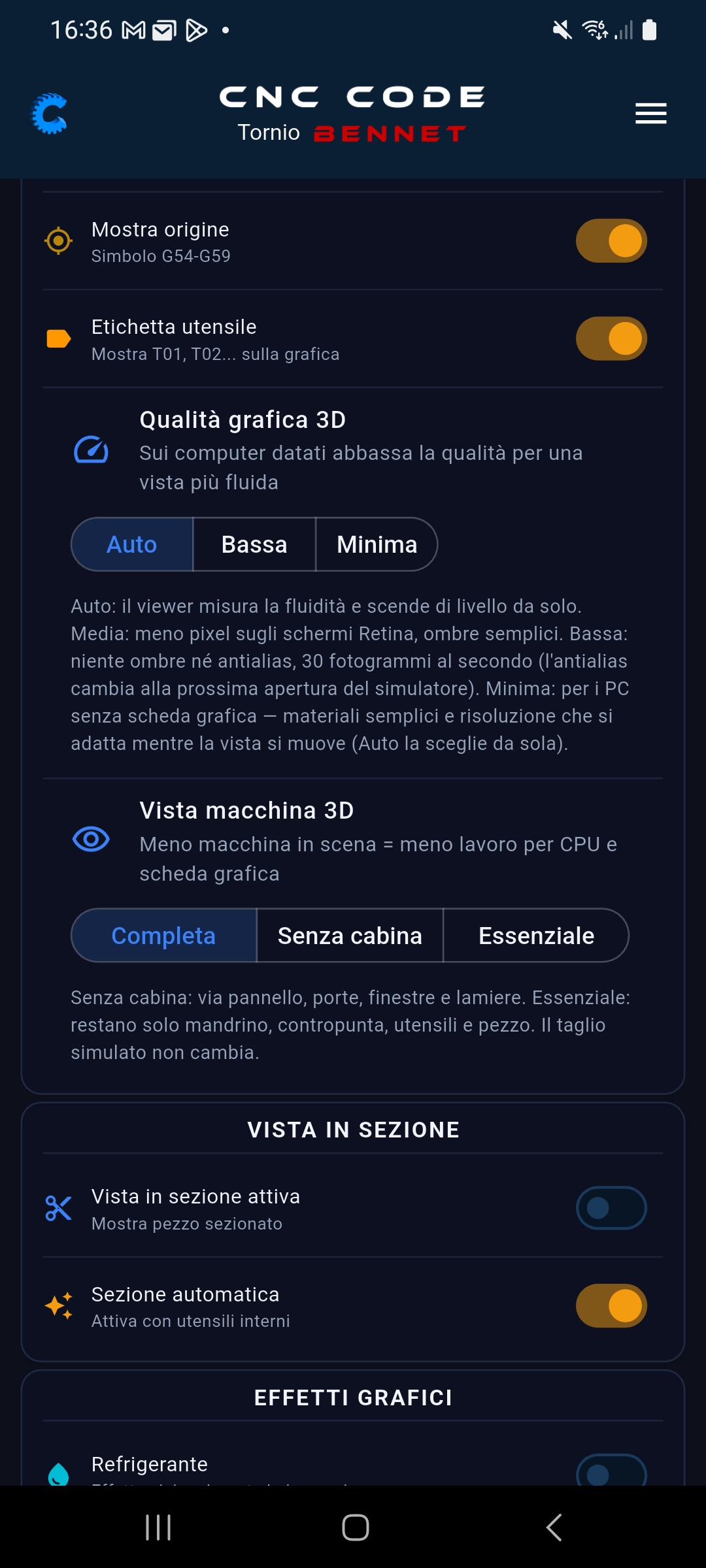
In the settings you'll find two adjustments, designed specifically for phones.
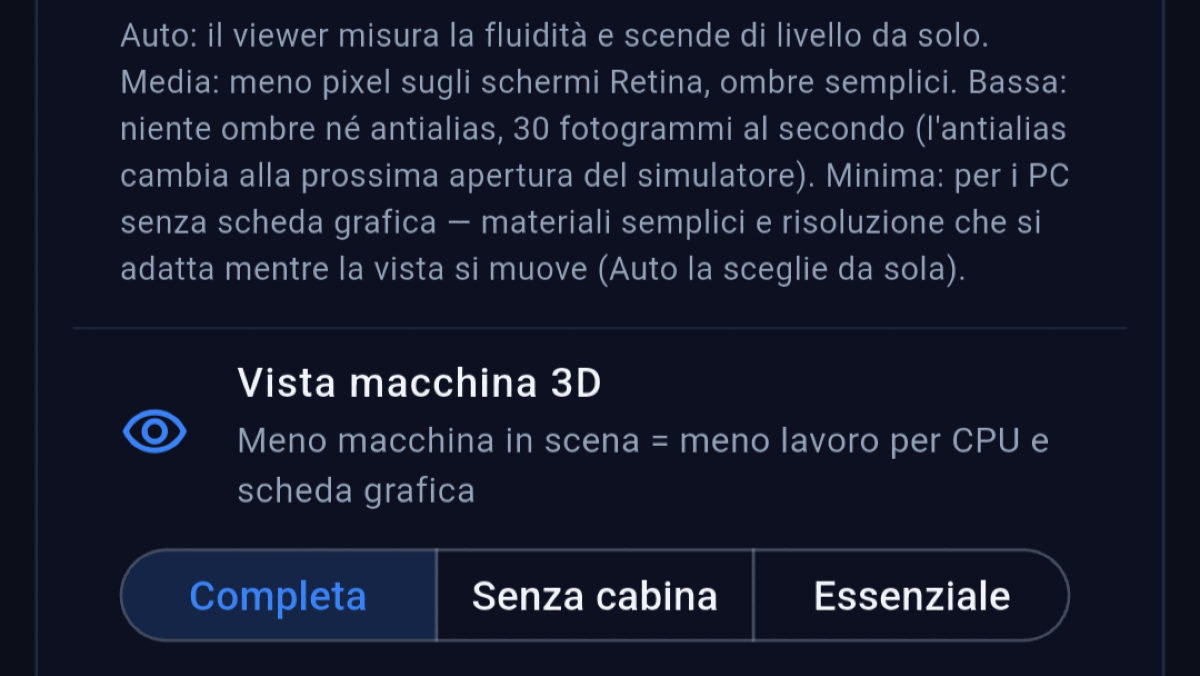
Setting 13D Graphics Quality
| Auto | (recommended): the simulator measures smoothness and chooses on its own; |
| Low | no shadows or smoothed edges, thirty frames per second; |
| Minimal | simplified materials and resolution that drops while you're moving the view, then returns sharp as soon as you lift your finger. This is the level for phones that struggle the most. |
The High and Medium levels, which you find on the computer, don't even appear on the phone: on these screens they wouldn't change anything visible, they'd just eat up battery and smoothness.
Setting 23D Machine View
| Full | the whole machine, cabin included; |
| Without cabin | removes panels, doors, windows, and sheet metal; |
| Essential | only the spindle, tailstock, tools, and workpiece remain. |
Fewer parts to draw, more smoothness. And here's the important part: the simulated machining doesn't change one bit. You're only removing the bodywork, the cut, the dimensions and controls stay exactly the same. In fact, in many cases "Essential" is more convenient precisely because you can see the tool at work, without the sheet metal in front.
Where to find them
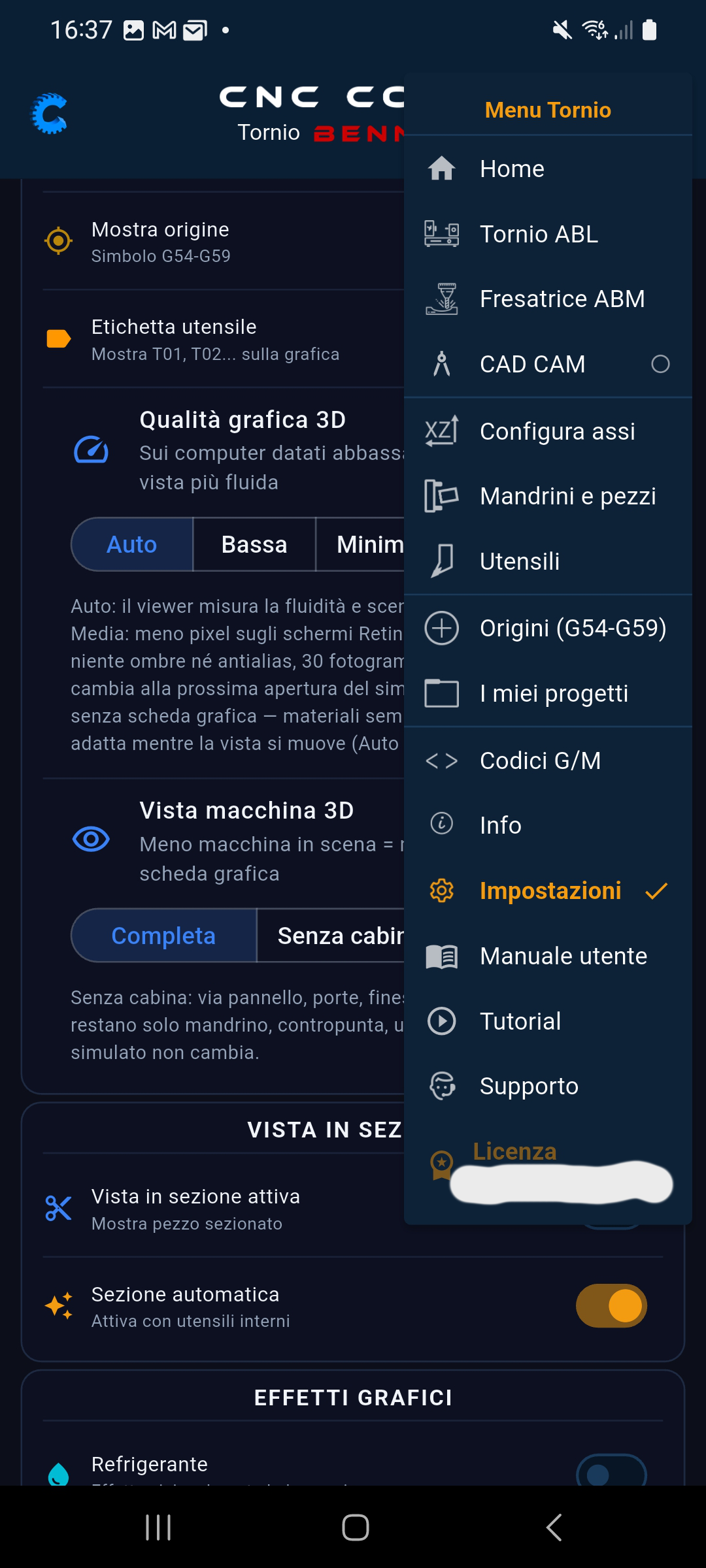
Open the menu in the top right, tap Settings and scroll down to 3D Graphics Quality. Both adjustments apply to the lathe and the mill alike: set them once and you'll find them everywhere.
Why we care about this
Because those learning CNC study on their phone during a break, on a tablet in class, and on the laptop at home, and almost never on a brand-new machine. If the 3D stutters, people stop trying. Every report we get about a struggling device we take seriously: that's how this update came to be.
If you have a phone that struggles, try Auto and then Minimal, and let us know how it went.