
Full-screen 3D view, CUT, the manual CAN1 controls, MDI, JOG, EDIT and the handwheels: the CNC Code lathe panel, one command at a time.
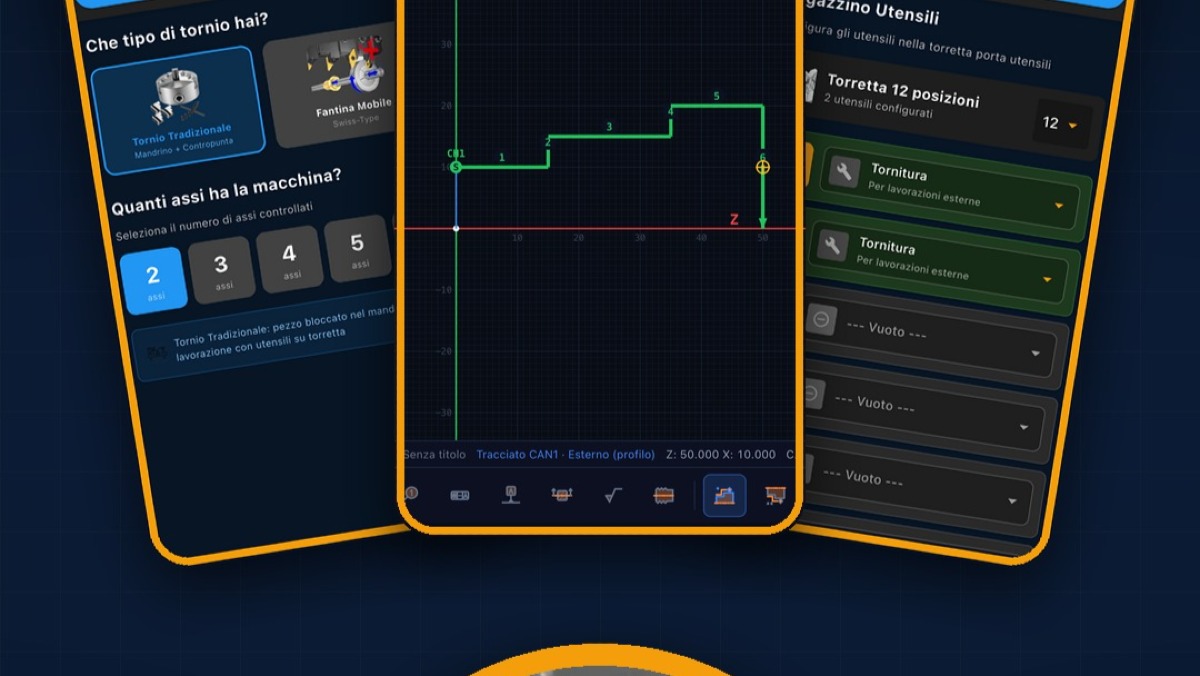
CNC Code is the CNC simulator for lathe and mill on phone, tablet and PC. Today we go deeper into the lathe panel: we look at the machine up close in 3D, operate it by hand, type a command on the fly and get our hands on the program.
In this video:
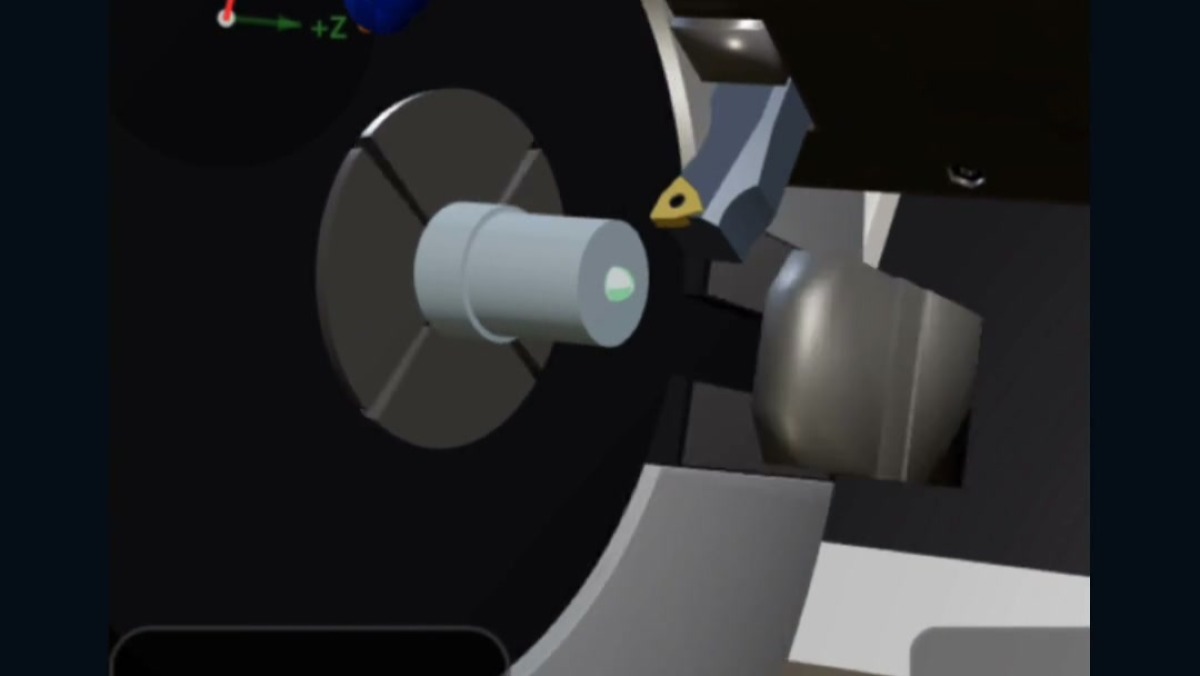
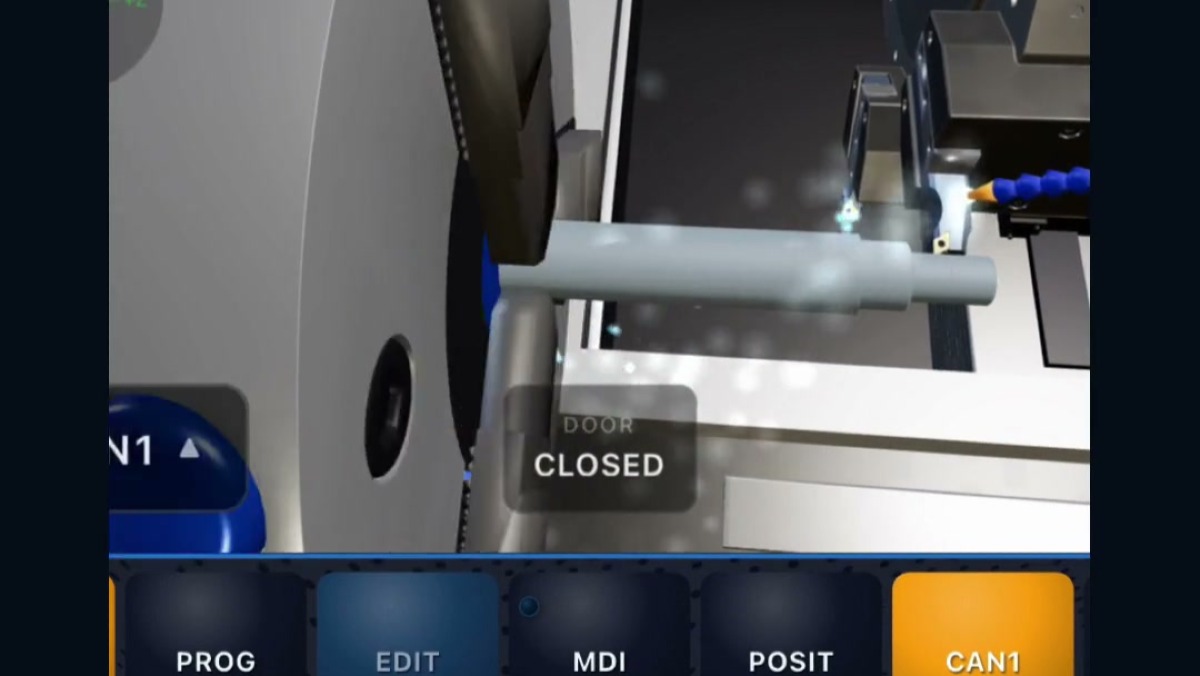
- 3D VIEW: the machine full-screen, the keys that stay below and EXIT to go back
- gestures on the 3D: one finger moves, two fingers rotate and zoom, pinching zooms where your fingers are
- RESET in GRAPH to restore the view to how it was
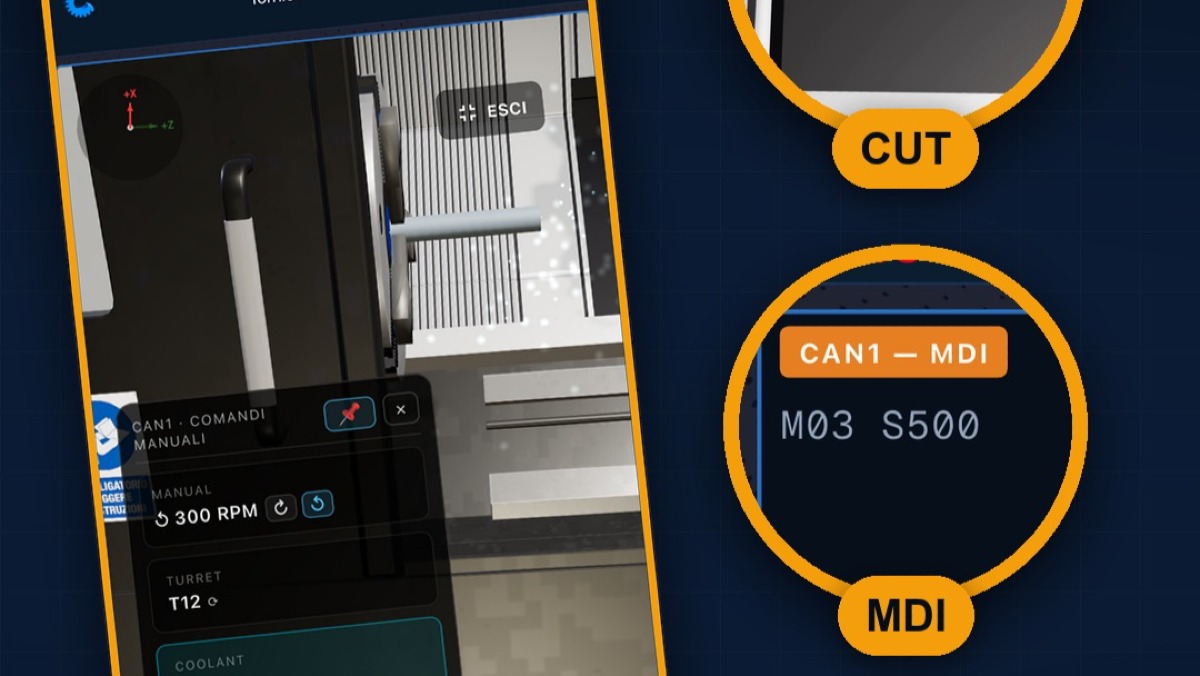
- CUT: the workpiece cut in half, to see inside too
- Settings, 3D Machine View: Full Machine, Open Machine, Essential and Workpiece Only, with the recommended view for your phone
- DOOR, the door that opens and closes, only in Full Machine
- CAN1, the manual controls: spindle in both directions, turret, Coolant, Live Tool, jaws and external or internal grip
- MDI: M03 S500 and CYC START, a command on the fly
- POSIT and JOG: handwheel, minus and plus keys, X1, X10 and X100
- EDIT: arrows, KEYS and SAVE
- the SPINDLE, FEED and RAPID knobs, OPT STOP and the red mushroom button
Download CNC Code and try it for free: https://www.cncsimulator.it