
OurBlog
Articles, tutorials, and news from the world of CNC simulation
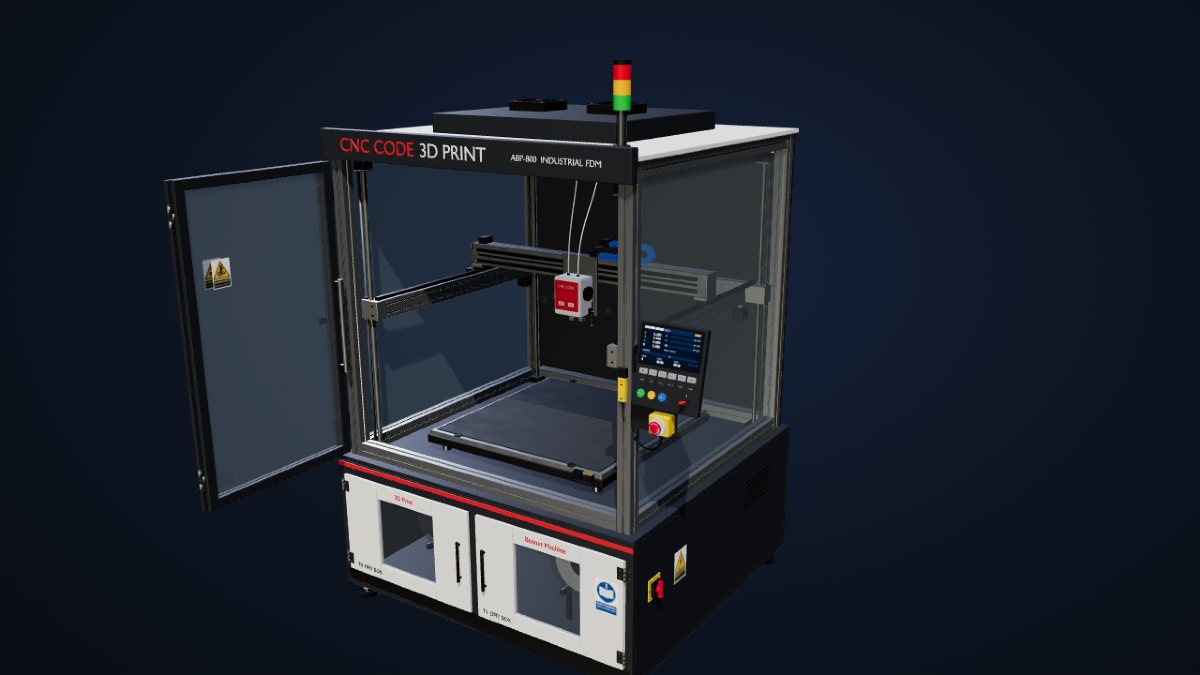
New Machine Tool Added to CNC CODE
At CNC Code, joining the lathe and the milling machine is about to be… a 3D Printer. Put that way it sounds odd, so let's start with why.
When the app wouldn't open anymore: what happened, and how we fixed it
Over the past few days some Windows users reported the same thing to us: after normal use, CNC Code stopped launching. Not an occasional error. It simply wouldn't open, and it wouldn't open on the next attempt either. Anyone caught in this situation found themselves locked out of their own program without having done anything wrong, and that's the kind of problem that bothers us the most.

Signed in with Google? Then you never had a password — now we hand you one
A customer buys a Desktop license, opens the app and gets Invalid credentials. He had done nothing wrong: people who sign in with Google never chose a password. What happened, what we changed, and what to do if it happens to you.
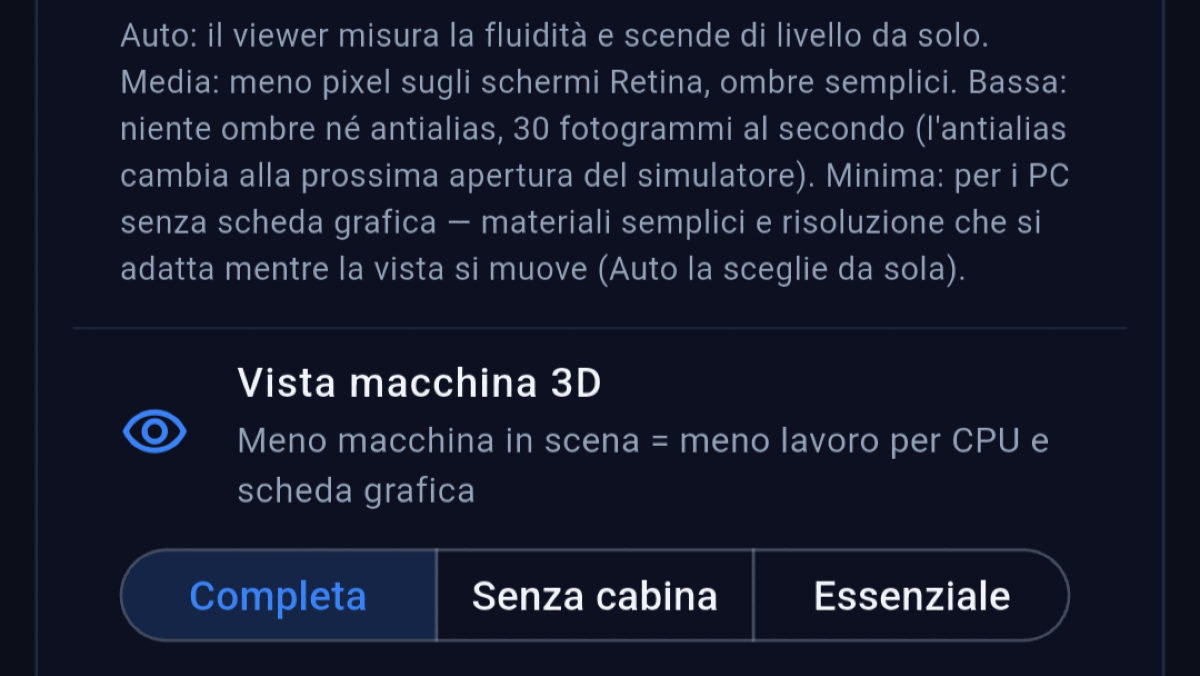
CNC Code Simulator and less powerful phones: now the 3D adjusts itself
A user wrote to us that on their Android phone the 3D view of the lathe was stuttering. Not an old phone: a recent mid-range model, the kind that has everything except powerful graphics. Here's what we changed, and the new controls you'll find in settings.
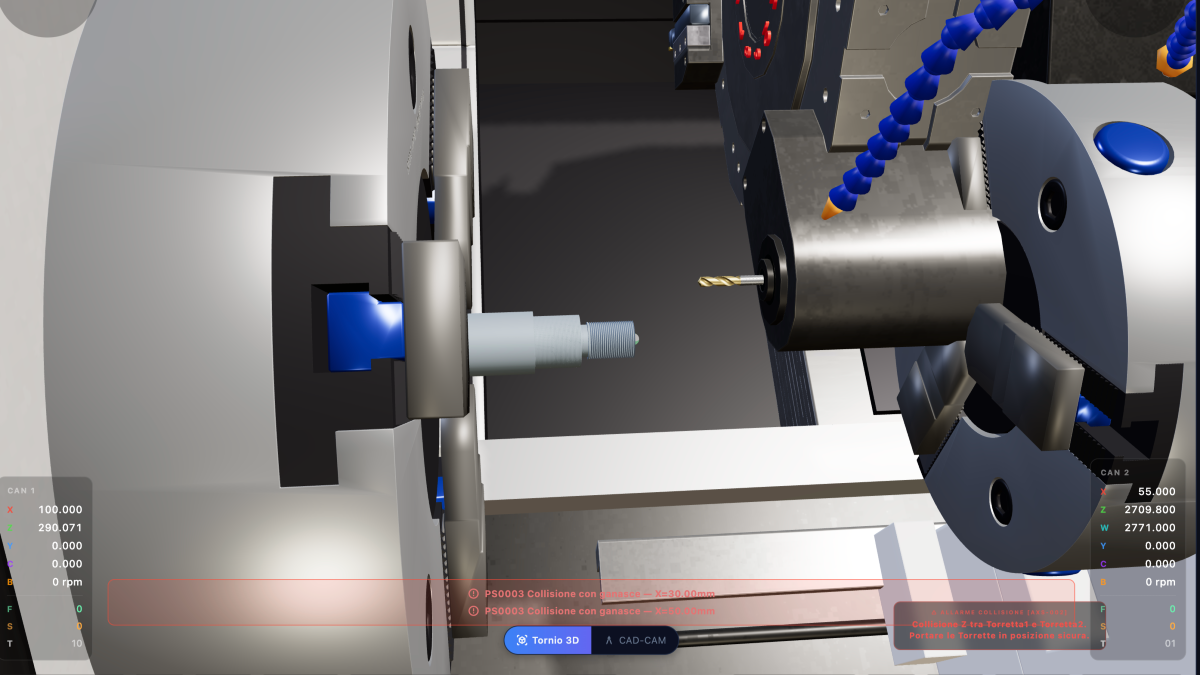
I Crash Everything Without Any Problems
I made a mistake writing a program and made a mess.. everything broken! Thousands of euros in damage..
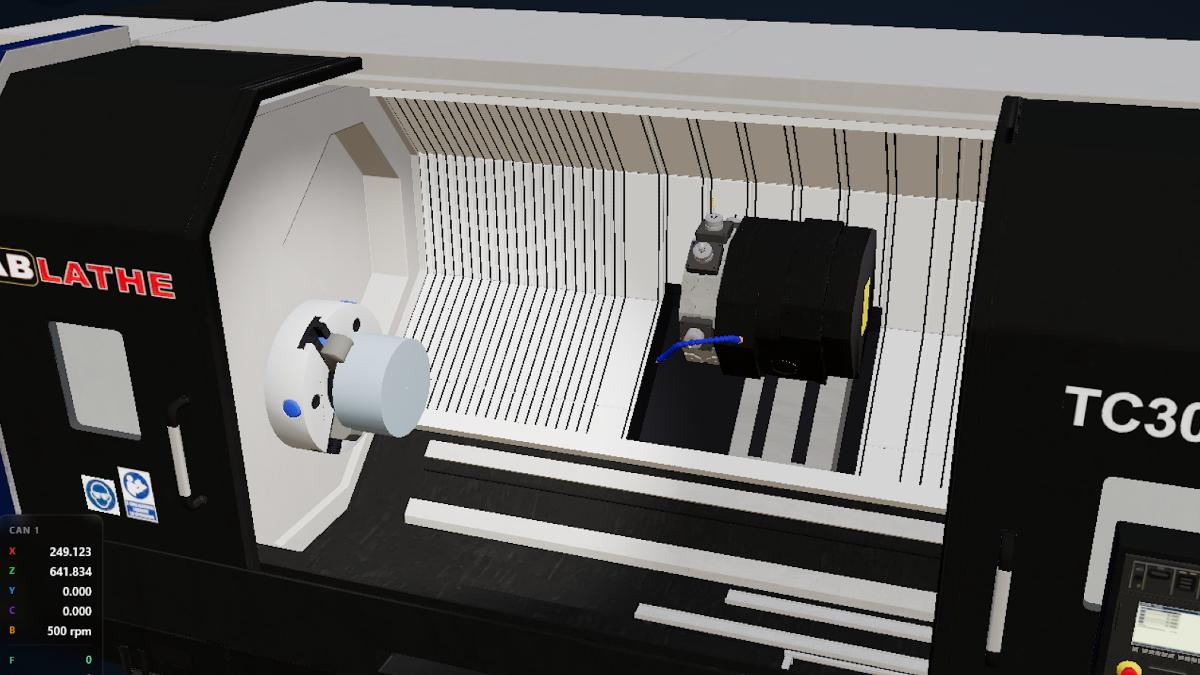
Requirements to run CNC CODE on your devices
Here's the list of requirements to run CNC CODE on each of your devices.

How to install CNC CODE desktop on Windows
Instructions on how to install CNC CODE Desktop on a Windows computer
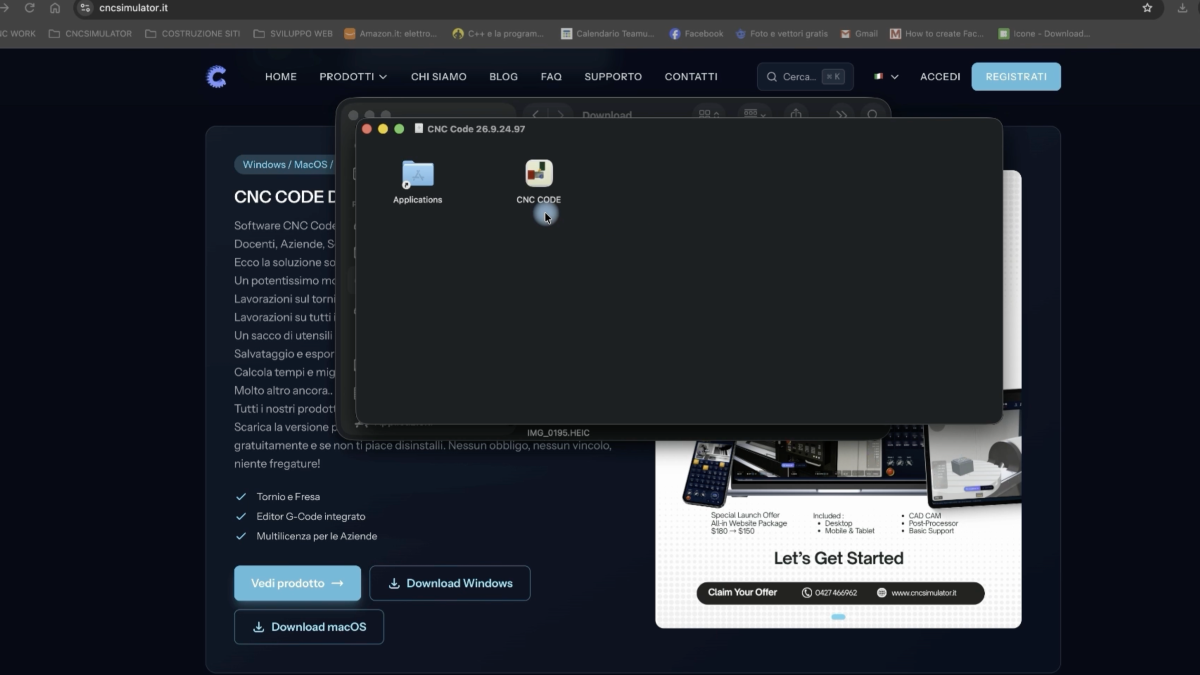
How to Install CNC CODE Desktop on macOS
How to download and install CNC CODE Desktop on your computer. The video was made for macOS, but the process is exactly the same for those with a Windows computer. We will also make a video for Windows computers.

The CNC CODE Simulator Desktop User Manual is online
We are working tirelessly for the growth of our CNC CODE Software. And finally we can present you with a preview of the CNC CODE User Manual, containing all the instructions needed to get started and use one of the most powerful and professional software tools made available to the great community of machinists.
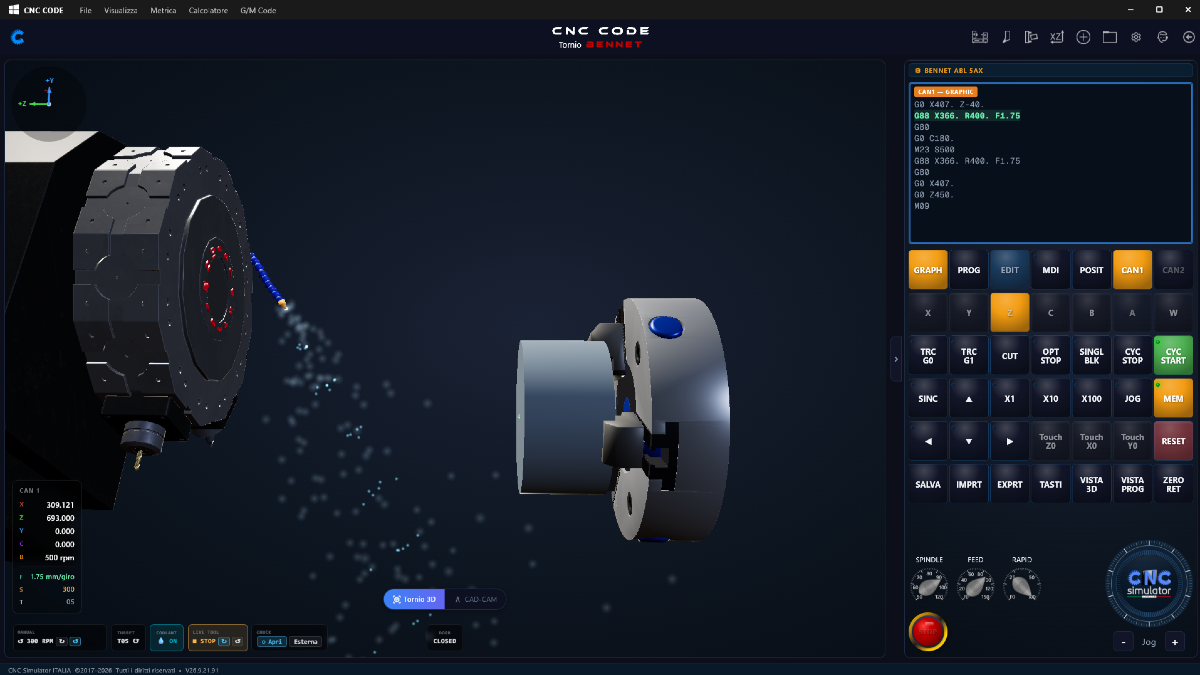
CNC Code and older/outdated PCs
A customer wrote to us: on his computer, the lathe's 3D view was stuttering. Not a broken computer, simply a PC with a few years on its shoulders: an Intel i3 with Windows 10. The type of machine found in many workshops and in almost all school labs.

# CNC Code — Fixes to Lathe Fixed Cycles (September 2026)
A general overhaul of the fixed cycles has been carried out. A customer reported anomalies on a fixed cycle, so we decided to do a first review, and anomalies emerged that have now been fixed. Work continues steadily. Thanks for the reports. Remember you can contact us from the Support page in our application's menu.
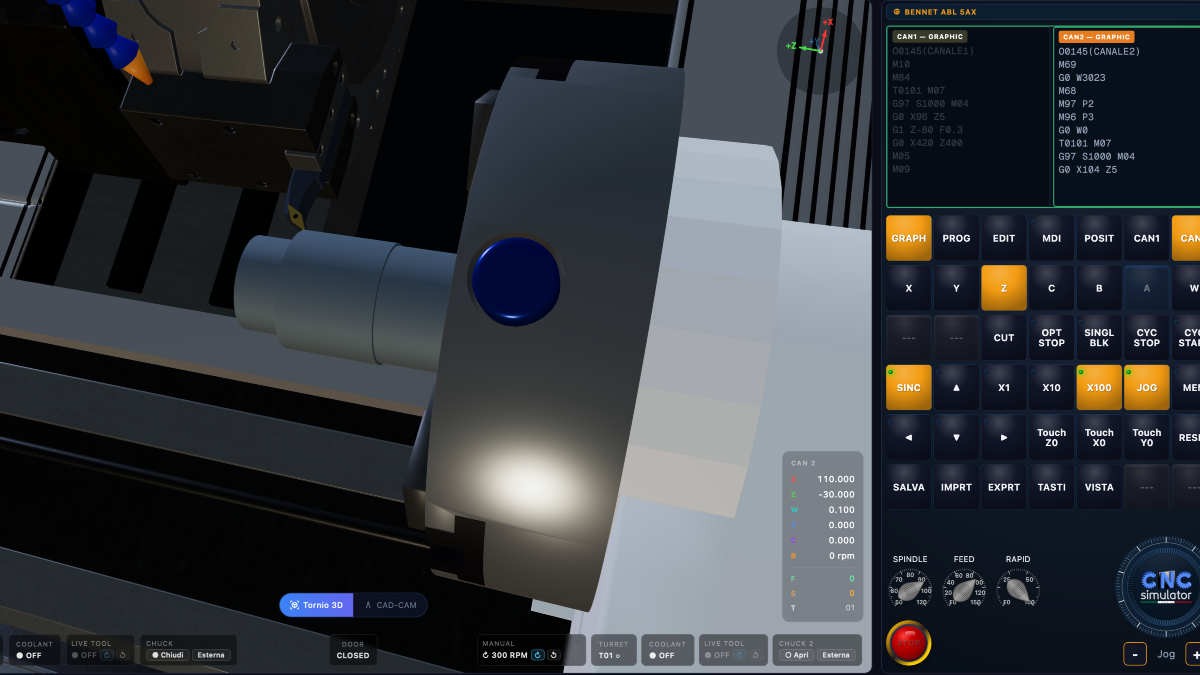
3D for desktop computer
Lathe with 2-channel machining